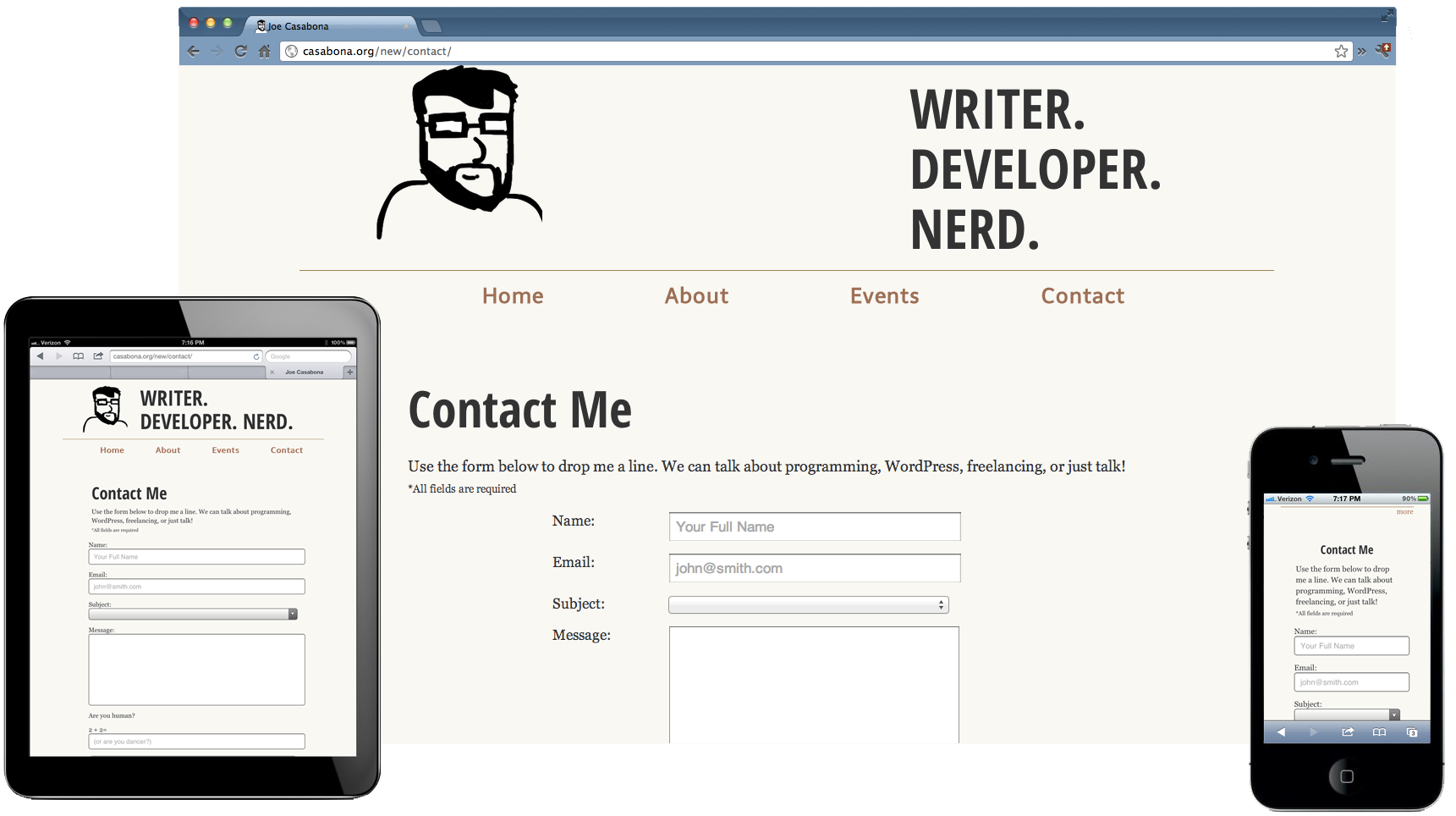
Yesterday, Web Design Tuts+ (@wdtuts) published a somewhat lengthly article I wrote about designing websites for Google Glass. I cover quite a bit, from device usage, to UX, to Mobile First and RWD. From the article:
…we as web developers should be mindful of how we develop our websites. As it turns out, the principles I’m going to discuss aren’t all that new, but suggest a future-friendly approach to web design; important as devices like Glass (or even Apple’s fabled iWatch) are released to the market.
I will also be releasing an e-book sometime in the near future delving more into this topic, along with some sample code. For now, if you’re interested, check out the article!
Over the last year or so I’ve been involved with a few major projects that required responsive design/development. One of the most important things to remember about a responsive design is that it’s not just good enough to make sure your design shrinks with a smaller browser on your computer. Presumably, you’re doing this because people will be accessing your website on mobile devices. Therefore, you have to do device testing! In this post I will outline what I think is proper testing practice.
Device Testing
I know this can be difficult since not everyone can get their hands on a wealth of devices. You may be lucky enough to be close to an Open Device Lab, but if not, you should try your best. Note: If you’re an “agency” or a “firm” that’s advertising being skilled in RWD, you need to pony up and buy the devices. RWD isn’t just a buzzword and it should be done right.
iPhone 4, 5
iPad 2 or new iPad
Android 4.0+ Phones: Galaxy Nexus, Galaxy Note II, S3 or S4, Droid Incredible (one of them), Droid DNA or Razor Maxx
Of-course, do this at your discretion and based on your own analytics. If 0% of your users are using Gingerbread, pre-4.0 phones might not be an issue for you. My list for Android device testing is based on some cursory stat-searching, including LifeHacker’s most common phones and stats directly from Google, which you can view on the Android Dashboards page (these update in real(ish) time). Finally, when it comes to RWD, device testing isn’t the only aspect. You also need to consider speed.
This should be nothing new, but with the whole host of new devices, it might be worth while to check out these browsers now:
The device’s native browser (Safari, Browser, etc)
Chrome on Android and iOS
Mobile Opera
Dolphin
Mobile Firefox
Also, make sure to test in IE 8,9, and 10! If you take a Mobile First! approach, keep in mind that IE8 does not support media queries.
Speed Testing
You cannot assume that everyone will have your great 70mbps connection (that’s a real max speed for me). People could be getting less than 1mbps at times, and that’s terrible if your site is huge. I would recommend testing on:
Broadband (wired or wifi connection)
4G (on multiple carriers if possible)
3G (on multiple carriers if possible)
4G and 3G while traveling
Wrapping Up
I understand that this can be cumbersome and cause a lot of work, and admittedly I haven’t been as diligent as I should be either. There are, however, way you can do this sort of testing without breaking the bank. Aside from what Brad mentions, you can do things like an open or closed beta, inviting people with different devices and connections to test on their devices and report back. I will generally have my friends and co-workers test designs for me. Or hey, you could always start an open device lab
I just started listening to podcasts regularly so I figured I’d share some of them, as well as your normal cool links.
Stuff You Should Know: A podcast from How Stuff Works about general knowledge stuff that covers a wide range of topics from Bitcoin to Torture. Very interesting stuff!
Stuff You Missed in History Class: Another podcast from How Stuff Works that covers topics you may have not learned about in school.
ALA’s 2013 Summer Reading List: @alistapart is the best source on the web for web development and design articles. This is their recommended reading list.
Yesterland – Tobacco Shop: In looking for a cigar shop around Disneyland, I came across this interesting bit of history regarding Main Street USA in Magic Kingdom Disneyland. This talks about the Tobacco Shop, one of the first shops in the strip.
How to not be Alone: A really interesting article from @nytimes about how technology affects us. My favorite quote: Technology celebrates connectedness, but encourages retreat.
I have a ton of bookmark folders to help keep myself organized, though to be honest I usually bookmark something and then forget about it. So, while looking through some of my folders, I can across a good amount of web development resources I’ve been keeping. I’ve decided to share them.
Here you go! My slides from my talk, “Using PHP to Create a Web-ÂBased Mobile Banner Application” from @PA_BUG are available for download (links to my Public Dropbox folder). There is also a link to our current mobile app. Â Thanks to everyone who came out, and to PABUG for having me!
Over the weekend, I attended Web Design Day in Pittsburgh, PA. There were a lot of great speakers, I met a lot of great people, and it was an all-around fun event! Here are some of my notes from the talks.
So this Responsive Web thing is all the rage these days, and rightfully so. As mobile browsers get more powerful, we can do a lot of great things that used to be thought of as only possible on  the desktop. We no longer need to have redirects on mobile that take our users to a separate site; we can have it all, no matter what device they are viewing our sites from. I recently updated both my site and my blog to be responsive (I’m still working some kinks out of the blog- I’m sorry for the mess). However, as mobile browsers are becoming powerful and plentiful, we run into the same issues we’re seeing on the desktop- we need to test our mobile friendly versions in several different browsers across multiple platforms.
Last week I was afforded the opportunity to go to An Event Apart Boston, a conference I’ve wanted to attend for a few years now. I attribute most of what I know to the fine folks that run with that group, including Zeldman, Dan Cerderholm, Ethan Marcotte, and Luke Wroblewski, all of whom would be speaking. Now that the dust has settled, the photos have been posted, a my notes have been typed up, I’m ready to talk about what I’ve learned. (more…)
In Parts 1 and 2, I talked about the two most important parts of the site- the homepage and portfolio. Today I want to talk about a more subtle, but still important, part of the site- the sidebar.
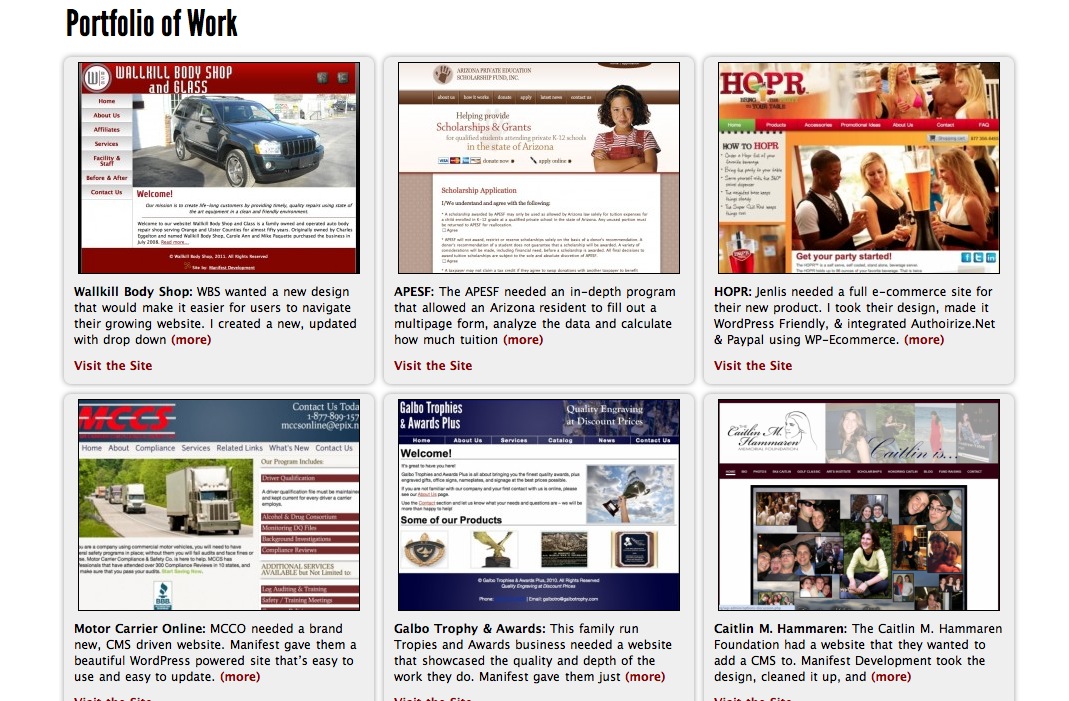
For the second part of this series, I want to talk about putting my new portfolio together. The portfolio is the most important area for a web developer because it gives the user insight into the type of work he or she does, so I wanted to do it right. It’s now in two places, and is managed a completely different way on the backend. Â Let’s take a look.
You want to build better systems, but you don’t know where to start.
That ends today. The Solo Systems Starter Kit will give you 4 systems every solopreneur needs to run a less chaotic business, the exact tools to create those systems, and automations + AI prompts and skills to get you to a calmer, more reliable business faster.