
Mobile Browser Testing
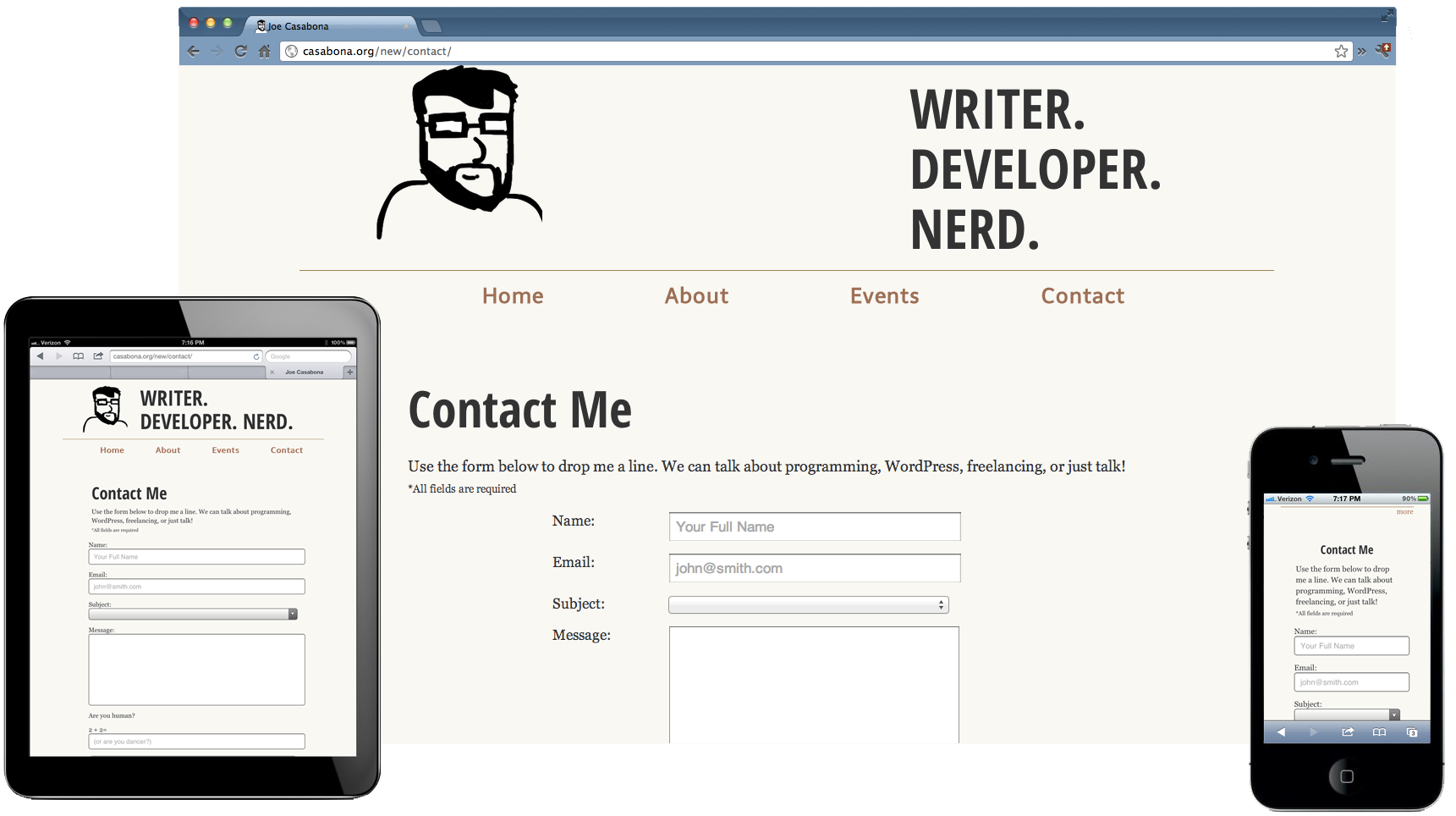
So this Responsive Web thing is all the rage these days, and rightfully so. As mobile browsers get more powerful, we can do a lot of great things that used to be thought of as only possible on  the desktop. We no longer need to have redirects on mobile that take our users to a separate site; we can have it all, no matter what device they are viewing our sites from. I recently updated both my site and my blog to be responsive (I’m still working some kinks out of the blog- I’m sorry for the mess). However, as mobile browsers are becoming powerful and plentiful, we run into the same issues we’re seeing on the desktop- we need to test our mobile friendly versions in several different browsers across multiple platforms.
Testing for site width is one thing- you can test your  breakpoints in the desktop browser by re-sizing you browser window. That doesn’t mean you can forget about actual device testing; a contractor actually told me recently that testing responsive in the desktop browser is good enough since you can’t possibly own every device. I was completely floored by this statement, especially since they recommended device-specific breakpoints*. You still need to test on the mobile browser. Here’s why:
- Mobile devices may render your HTML or CSS3 differently.
- Mobile devices may render your javascript differently, especially if you’re using some more advanced techniques.
- If you want to do anything cool with browser-based device APIs, there is no way you can test they in a desktop browser.
- You can’t test load time on a desktop. If I haven’t mentioned this already, load time is important.
So it’s simple right? Get your hands on an iOS device and an Android device and have at it. It’s not really that simple though. There are tons of browsers out there for both platforms, not to mention Windows phones, with Windows 8 coming out pretty soon. You need to test on multiple browsers across at least these three platforms. Here is what I recommend as far as browser testing goes:
Android, iOS, and Windows
One caveat here: I have never used a Windows 7 phone and Windows 8 isn’t out yet,  so aside from the  stock browser, I’m not sure what else is available. If you know, leave your advice in the comments!
- Default Browser: Obviously you’ll want to test on the default or stock browser for each of these devices. That means Mobile Safari, Android’s “Browser,” and what I’m guessing will be a mobile version of IE for Windows.
- Chrome: Google Chrome is the most popular desktop browser and it’s now on Android and iOS.
- Â Opera Mini:Â This browser has a really great niche following, and like Chrome, it’s available on both Android and iOS.
- Dolphin Browser: This is a widely popular browser, especially on Android, so I would at least recommend testing it  there. Testing on iOS might not be a bad idea though.
Android Only
Android has one browser not available anywhere else that I would recommend you test on and it’s Firefox. The mobile version of the browser is a pretty popular one with between 10 Million and 50 Million installs.
iOS Only
Again, Â there is one browser I’d recommend that’s iOS-only. Atomic Web Browser has gotten a lot of good press from some of my favorite blogs, like LifeHacker, which recently did a nice write-up on browsers for iOS. This browser might be worth taking a look at when it comes to testing.
Wrapping Up
I know this seems like a lot, but in order to ensure a good user experience, we have to start looking past the stock browser on the major platforms. I’d actually be interested in seeing some information on how each of the browsers I’ve mentioned renders web pages- if they use the same rendering engine as the OS or their own custom one. If you know anything about this, leave some information in the comments!
*I’m guilty of currently using device specific breakpoints. That will change very soon; one of the things I learned at An Event Apart was to use breakpoints specific to your content since the device  breakpoints of today will be completely different from those of tomorrow.

Edit: Comment removed because it seemed, while very clever, like spam.