Since iOS 11 came out, I’ve been forming new opinions on apps and what I want to use on my phone. When I was an Android user, I would try not to pay for apps, and had reasonable success doing so. Call it the open source mentality, sure, but Google also had pretty great native apps — especially when they rolled out Material Design. When I switched to iOS, I went a little app crazy. I wanted to try everything. I was also more willing to pay for apps, mostly because more apps cost money. But recently, I’ve decided to cut out most 3rd party apps and focus on the native apps Apple sends with the phone. Here’s why.
I wrote perhaps my most popular blog post ever just over 2 months ago. I talked about how I bought, used, and subsequently didn’t like the iPhone 6. I would be sticking with Android…or so I thought. Shortly after that post got popular, I was compelled to take another look at iOS.
If you’ve done a Google Search on your mobile device recently, you may have noticed that Google adds a bit of text in the search results alerting you to the fact that a website is (or is not) mobile friendly. This can have a big impact on your website’s search ranking. (more…)
I read a rather annoying article last week about why 2013 was a bad year for tech. I felt was lazily written; the main reason is it only highlighted the major news stories, didn’t add any analysis, and didn’t mention any of the good to go along with the bad. It was a very one-sided article that provided no insight, and in all honestly, was probably a grab for end of the year blog traffic. Well in my feeble attempt at a grab for end of the year blog traffic, here’s why I think 2013 was a great year for tech.
I’ve had Google Glass for just over a week now and while I’m working up several articles on my thoughts, I did want to address some FAQs I’ve been getting from people. A lot of them are coming from the very same people you’re seeing over at People Reacting to Glass!
How much do they cost? $1500 and come with the device, an eye “shield”, sunglass attachments, and a charger. It’s rumored that when they are released to the public, they’ll be closer to $300-500.
Can anyone buy them? Not right now; they are currently only available to people who applied and were invited to the Glass Explorers program, which is now closed.
Can you use them while driving? I’d say it’s slightly less distracting that an cell phone. I wouldn’t recommend it, and some people are saying they fall under the “Texting while Driving” laws in select states.
Do you need a data plan to use them? No- as a matter of fact, Google Glass doesn’t have the ability to take on a data plan. Wifi is built in, and when you aren’t on Wifi, Glass tethers via bluetooth to your phone, using your phone’s data.
Do they work with your glasses? My glasses, personally? No. Mine have really thick frames. In general, I’m told Google Glass can be sized over your glasses. I was told they are also working on prescription versions.
How’s the battery life? The battery life is ok. It lasts about 7-8 hours on normal use. If you’re tethered to your phone all day, you might see your phone’s battery drain more quickly.
Have other questions or comments? Leave them here! The good ones may even get featured on the new blog.
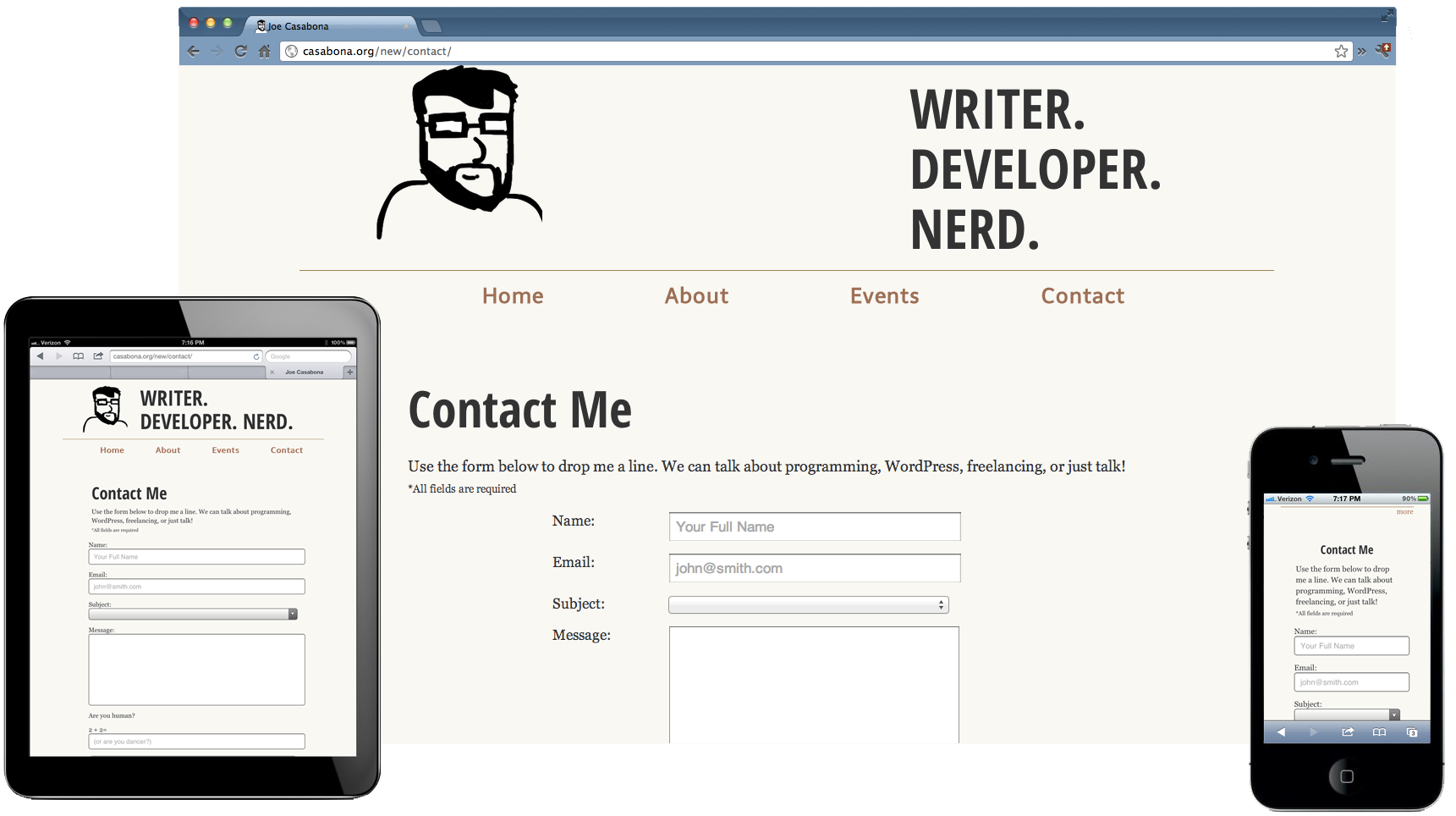
Over the last year or so I’ve been involved with a few major projects that required responsive design/development. One of the most important things to remember about a responsive design is that it’s not just good enough to make sure your design shrinks with a smaller browser on your computer. Presumably, you’re doing this because people will be accessing your website on mobile devices. Therefore, you have to do device testing! In this post I will outline what I think is proper testing practice.
Device Testing
I know this can be difficult since not everyone can get their hands on a wealth of devices. You may be lucky enough to be close to an Open Device Lab, but if not, you should try your best. Note: If you’re an “agency” or a “firm” that’s advertising being skilled in RWD, you need to pony up and buy the devices. RWD isn’t just a buzzword and it should be done right.
iPhone 4, 5
iPad 2 or new iPad
Android 4.0+ Phones: Galaxy Nexus, Galaxy Note II, S3 or S4, Droid Incredible (one of them), Droid DNA or Razor Maxx
Of-course, do this at your discretion and based on your own analytics. If 0% of your users are using Gingerbread, pre-4.0 phones might not be an issue for you. My list for Android device testing is based on some cursory stat-searching, including LifeHacker’s most common phones and stats directly from Google, which you can view on the Android Dashboards page (these update in real(ish) time). Finally, when it comes to RWD, device testing isn’t the only aspect. You also need to consider speed.
This should be nothing new, but with the whole host of new devices, it might be worth while to check out these browsers now:
The device’s native browser (Safari, Browser, etc)
Chrome on Android and iOS
Mobile Opera
Dolphin
Mobile Firefox
Also, make sure to test in IE 8,9, and 10! If you take a Mobile First! approach, keep in mind that IE8 does not support media queries.
Speed Testing
You cannot assume that everyone will have your great 70mbps connection (that’s a real max speed for me). People could be getting less than 1mbps at times, and that’s terrible if your site is huge. I would recommend testing on:
Broadband (wired or wifi connection)
4G (on multiple carriers if possible)
3G (on multiple carriers if possible)
4G and 3G while traveling
Wrapping Up
I understand that this can be cumbersome and cause a lot of work, and admittedly I haven’t been as diligent as I should be either. There are, however, way you can do this sort of testing without breaking the bank. Aside from what Brad mentions, you can do things like an open or closed beta, inviting people with different devices and connections to test on their devices and report back. I will generally have my friends and co-workers test designs for me. Or hey, you could always start an open device lab
I’m currently sitting on an Amtrak train from NY Penn to Exton, PA (the Philly-ish area). The ticket taker was coming by on his nifty device scanning tickets, which would then check a database of purchased tickets to confirm the purchase and the identity of the purchaser. However, when we hit a tunnel (and therefore no data connection), the device stopped working; any scans returned “Ticket not found.” You would think that whoever developed this system for a subway/train company would have considered that at times there might not be a data connection, but that didn’t seem to be the case. This is a bit of a dilemma for anyone developing apps for mobile.
Here you go! My slides from my talk, “Using PHP to Create a Web-ÂBased Mobile Banner Application” from @PA_BUG are available for download (links to my Public Dropbox folder). There is also a link to our current mobile app. Â Thanks to everyone who came out, and to PABUG for having me!
So this Responsive Web thing is all the rage these days, and rightfully so. As mobile browsers get more powerful, we can do a lot of great things that used to be thought of as only possible on  the desktop. We no longer need to have redirects on mobile that take our users to a separate site; we can have it all, no matter what device they are viewing our sites from. I recently updated both my site and my blog to be responsive (I’m still working some kinks out of the blog- I’m sorry for the mess). However, as mobile browsers are becoming powerful and plentiful, we run into the same issues we’re seeing on the desktop- we need to test our mobile friendly versions in several different browsers across multiple platforms.