gear

  • One Week with the Apple Watch Ultra

    It’s been a week with the Apple Watch Ultra and I love it.

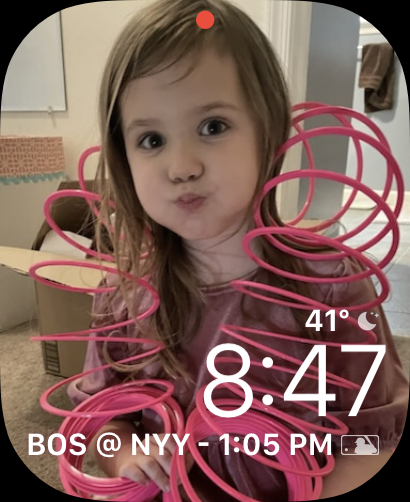
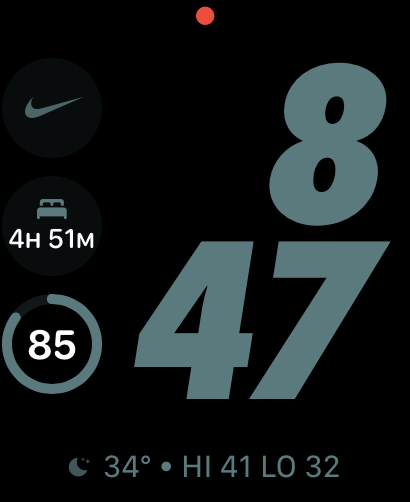
    I like big watches in general, so the extra screen real estate is clutch. I have a few faces I’ve been using with it, depending on Focus Mode and Context:
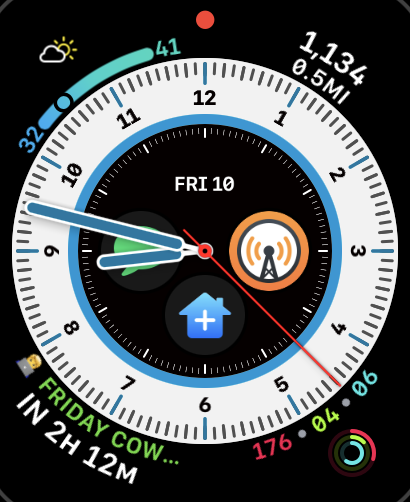
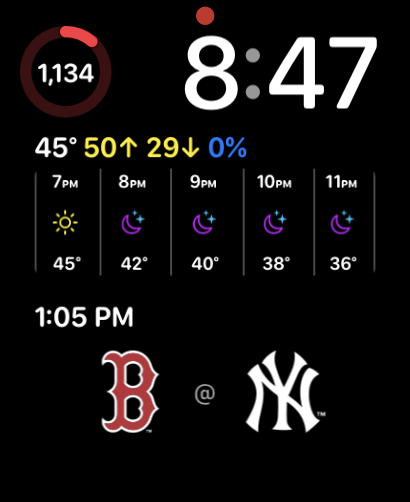
    There are a few things I really love about this watch, outside of the bigger face:

    • The incredible battery life. I can get about 2 days without charging it at all. Which means I get to use another new-to-me feature
    • Sleep tracking. I’ve never been much of a sleep tracker, but at the end of this month, I’m doing a sleep study where I’ll certainly be diagnosed with sleep apnea. I’m excited to compare the data on the watch to data from a proper study.
    • The Action Button. Right now I have it executing my “idea” shortcut, but I might change that (see below).
    • The Swipe Keyboard. I like that I don’t always have to talk to my watch.

    There are a few quibbles I have, which might have less to do with the hardware, and more to do with the software:

    • Forced keyboard usage for input. I’d much rather the watch default to talking (or at least make it a setting). Because of that, I might change the Action Button, since that forces the keyboard and using voice to execute the shortcut does not.
    • No Battery Tracking. This was an issue I had on the Series 5 too. I like that I can see battery stats on my iPhone. I wish I could see it on the watch too. Some app (I think Overcast) went haywire and crushed my battery at one point.

    Those are it though! Since the battery life is so good, I’ve decided I’m also going to experiment with leaving my phone at home more and rely on the watch for communication and notes. We’ll see how long it lasts.

  • What’s in my Backpack (Winter 2022)

    It’s 2022 and God-willing, many people will be back to traveling again! I already have 2 conferences planned1and at least 1 family vacation.

    As a result I’ve reassessed by bag situation and, as an end of the year bonus, picked up a new bag. So here’s a look at everything in my travel back for 2022.

  • Who is iPhone 13 Pro Really For?

    One of the core beliefs at Apple is telling a good story; it’s weaved into everything they do — every product, service, and publication. I mean, have you seen their 2021 Holiday commercial, Saving Simon? It’s really good1.

    Something you’ll notice with that commercial is that it opens by telling you it was shot on iPhone 13 Pro. And in-fact that story they told at the iPhone event in September, about iPhone 13 Pro, was that it’s for movie makers and cinematographers. That’s a fun story. It might even work. But that’s not who iPhone 13 Pro is actually for. That’s just the story. That’s why they call it “Pro.”

    But if it’s not for movie makers, who is it really for?

  • The Best Home Automation Device of 2021: Lutron Aurora Dimmer Switch

    I love to automate everything. Sometimes it’s overkill. But it usually results in some cool things. With Shortcuts being available on the Mac now, for example, I can push a button on my Stream Deck, set the lighting in my office for recording, put my phone into the Recording Focus Mode, and set my “podcast recording”timer in Toggl.

    But this isn’t about any of that1. This is about a general home automation device. The best one I’ve seen all year: the Lutron Aurora Smart Bulb Dimmer Switch.

  • Why Gear Matters Least When You’re Starting a Podcast

    I’ll just get this out of the way now: I love me some gear. I’m an early adopter when it comes to tech, I like trying out new stuff, and A/V gear has become a bit of a hobby for me. However, when I first started my podcast, I was less concerned with the perfect mic, and more interested in a decent mic.

    If you’re thinking about starting a podcast, but you’re worried you don’t sound perfect, STOP. Gear should be the least of your worries when you’re starting a podcast. Here’s why.