
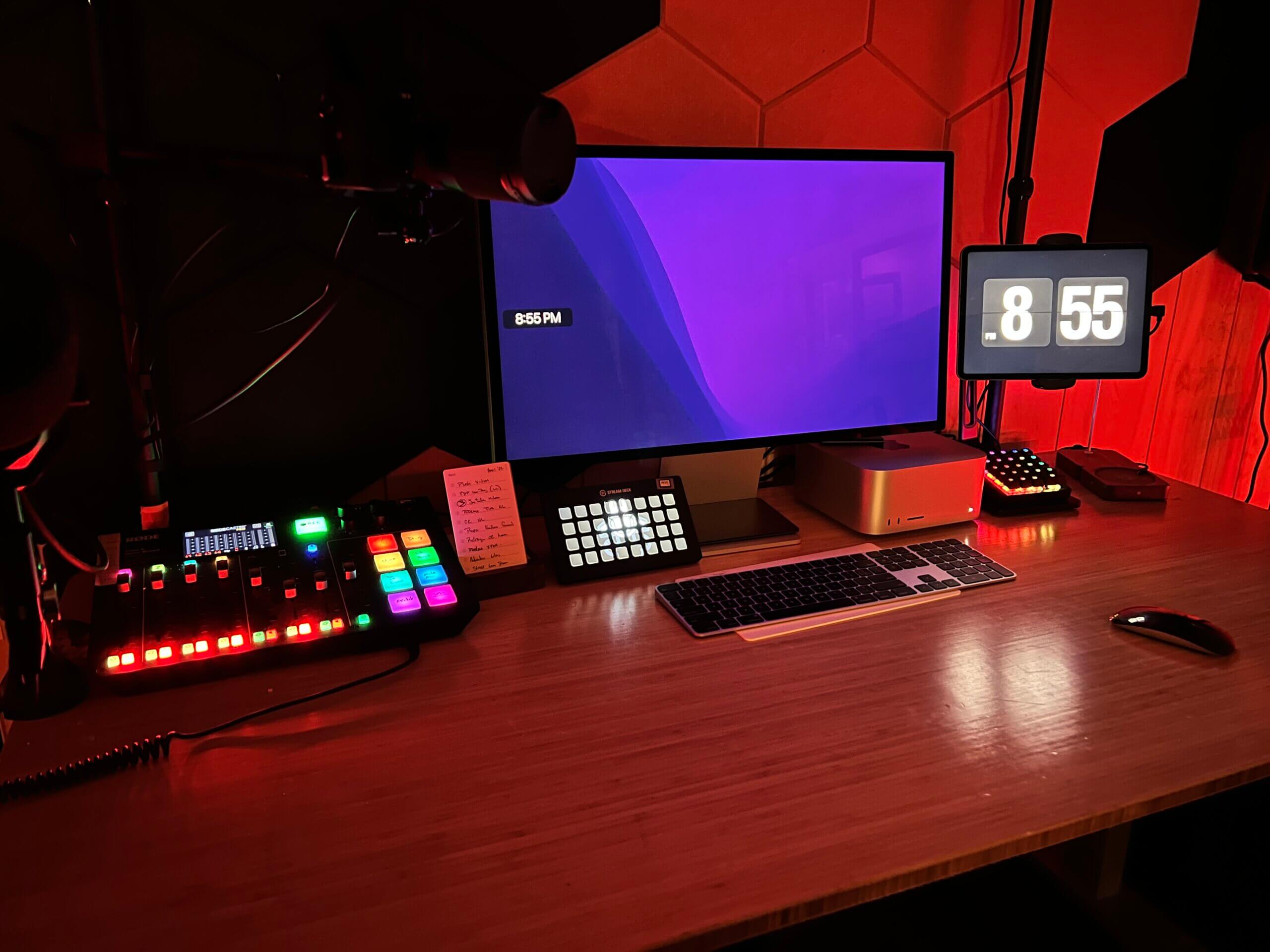
My Live Stream Kit

I routinely get questions about my live stream setup – I use and how it all works, so I thought I’d put together this quick post. If you have any questions, let me know!

Software

  • eCamm Live: I use this as the software on my computer to get my streams to the internet. It integrates with everything, including Restream and Stream Deck. It also makes it easy to use iOS devices as additional camera sources
  • Restream.io: This is what I use to get the stream to YouTube, Twitch, and Facebook. Its free tier is shockingly good.
  • Riverside.fm: I use this more for podcasting than live streaming, but their recent streaming features have me wondering if I should switch things up.

Hardware

You can learn more about my hardware setup on the What’s on my Desk post.

Walk Through!

I was recently asked how I ran a webinar, so I made a quick video walk through:

Similar Posts

  • |

    Some Thoughts on Live Streaming

    Since the start of the pandemic, I’ve tried to do webinars, and then live streams, on a regular basis. That fell off a little in the summer when my son was born, but now it’s picking up again. Now that we have a babysitter, I can even set a regular schedule. So here are some thought I have around live streaming, and how I’m trying to improve.

  • | |

    PC Starter Kit

    Note: This article was published while I was in my early 20s. I was much younger and dumber. Please don’t hold it against me. One of the perils of having a 20+ year old website!Let me start by saying I suck for not bring my PC charger home over break. No worries though, I have…

  • Know Your Way Around Facebook Privacy

    Note: This article was published while I was in my early 20s. I was much younger and dumber. Please don’t hold it against me. One of the perils of having a 20+ year old website!In my latest offering from Web.Appstorm, I take a comprehensive look at Facebook’s Privacy Settings.  I take a look at what…

  • |

    6 Months with the iPad Mini (Gear and Apps)

    When the 2021 iPad Mini came out last September, I immediately purchased it and thought it would be the perfect research companion. I wrote all about it here. Now that I’ve had it for about 6 months (and the birth of one child), I thought I’d revisit that post and discuss the gear, apps, and workflows I’ve implemented.

  • |

    2 Months with an iPhone

    I wrote perhaps my most popular blog post ever just over 2 months ago. I talked about how I bought, used, and subsequently didn’t like the iPhone 6. I would be sticking with Android…or so I thought. Shortly after that post got popular, I was compelled to take another look at iOS.