

My Favorite Way to Capture Ideas: Tot
One of the main topics I speak about in both my Consistent Content YouTube Video and the upcoming videos for Podcast Liftoff is idea capture. Now there are lots of ways to capture ideas. Your phone probably has a built-in app. Your computer definitely does. Pen and paper are always an option. But once you capture, you need to do something with that info, so using the right tool is important. I’ve found the right tool for me. It’s an app called Tot.
What is Tot?

I’ve been loving this little utility by iconfactory. Tot is strictly for simple text entry. It has 7 color-coded notes for you to add todo lists, general thoughts, and more.
Formatting is pretty limited to basic markdown, but that’s the point! On Mac (where it’s free), it lives in your menu bar, and it has a paid iOS / iPadOS companion. I immediately bought the iOS version. I primarily use it there, and even set it to a back tap action in the iOS 14 beta.
Uses for Tot
I’ve been using it to jot down thoughts and ideas I figure I’ll take action on in the next week or so. For anything that becomes more long-term, I use the share extension to send it to a new note in Apple Notes.
It’s been wonderful for:
- Things I need to do “today”
- Content ideas
- Mastermind Group Notes
- Random Ideas that I’ll process later
- Email drafts
Processing Tots (Tot notes?)
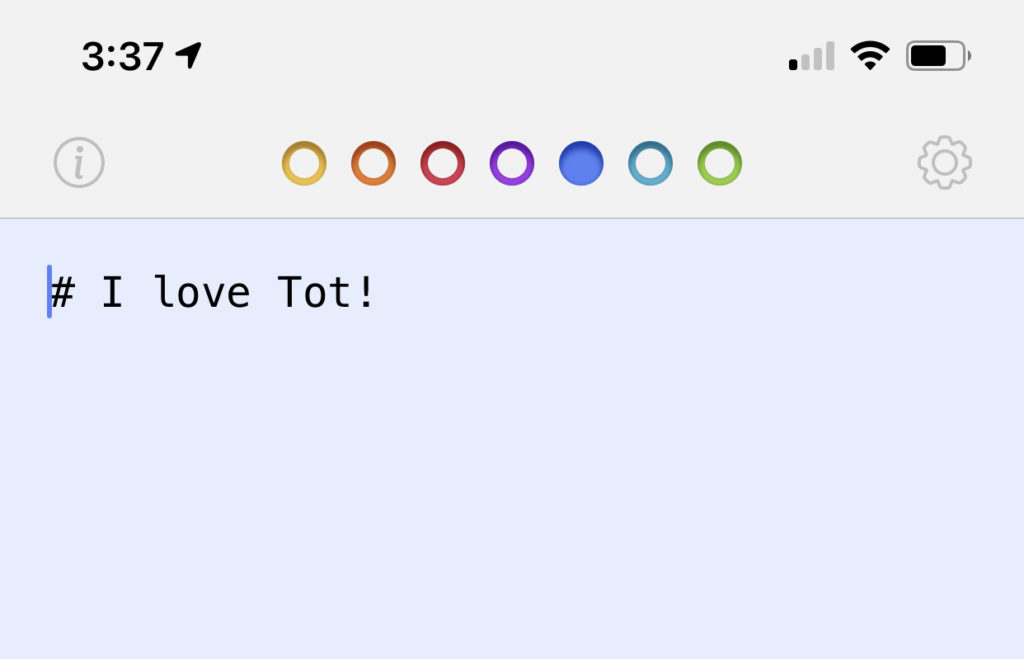
When it comes to processing, its limitations are a strong benefit of the app. For example, I love that I can only have 7 different notes, because it makes me think about where I’m putting the information. It doesn’t become a cluttered mess. If I run out of space, I need to do something with that info. As mentioned before, that’s usually Apple Notes. It could also be Airtable!
I also love that formatting is limited. If a tot gets too long, I know I need to change it it more it.
Check Out Tot!
If you’re looking for a simple, handy note-taking app, I strongly recommend Tot!
What do you use for quick idea capture? Let me know in the comments.