
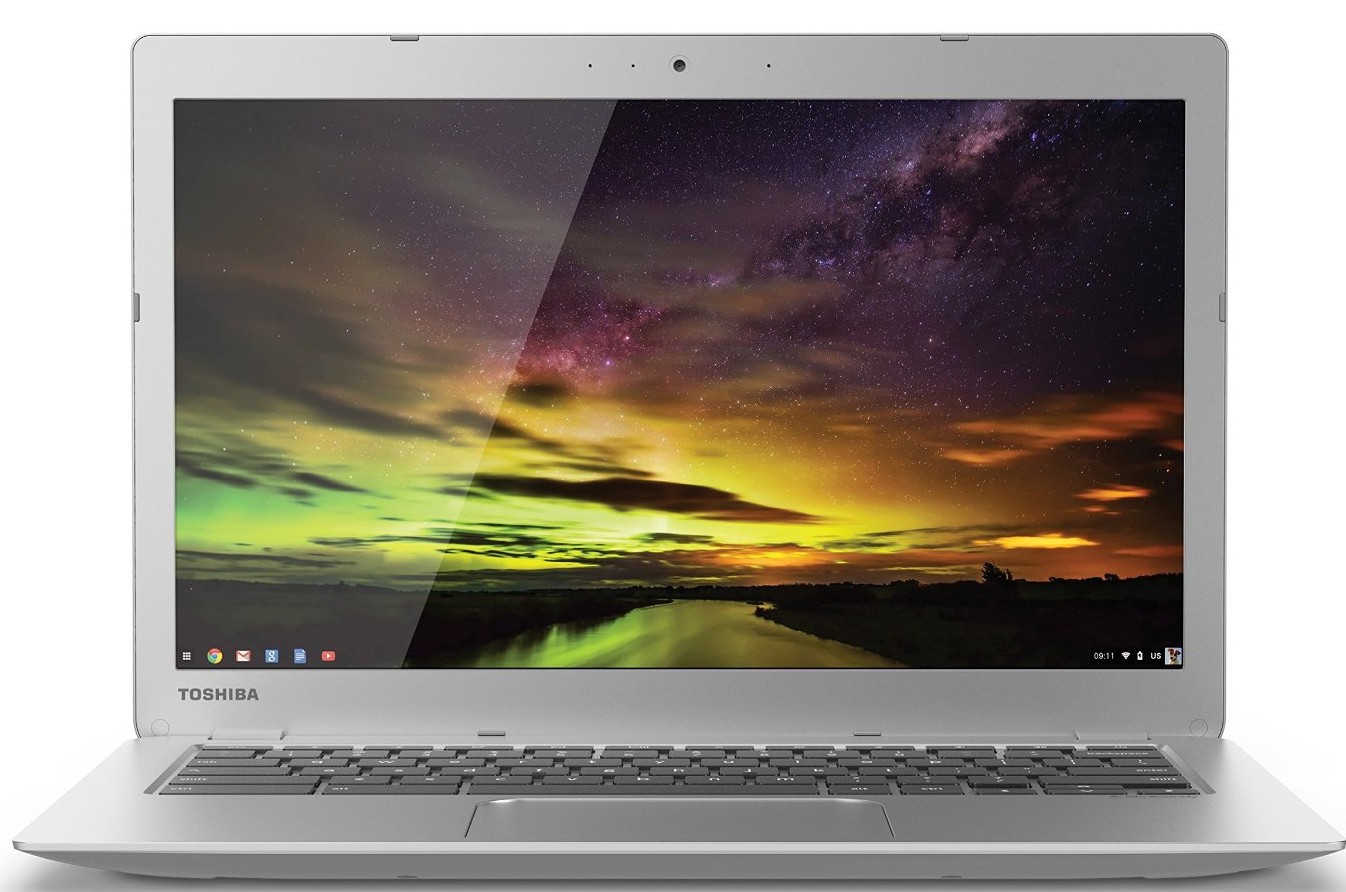
My Thoughts on the Chromebook
I got a Chromebook a couple of weeks ago (this one to be exact) as a machine to use around the house for browser and writing and such. I have an iPad Mini but frankly I don’t feel like I can get a lot accomplished on it besides reading. My hope was that the Chromebook would fix that.
Here are my initial thoughts:
- It’s a really lightweight, portable machine
- The battery life is absolutely fantastic
- If you use Chrome regularly, there’s not a whole lot of setup
- The machine is essentially dedicated hardware for a Chrome browser
- That makes ‘apps’ in the traditional sense non-existent
- While there are lots of web apps, it doesn’t really feel like a real computer
- It’s not great for productivity (so far)
- It is great for general browsing.
- I use Dashlane for all of my password, which makes things kind of a pain in the neck (since there’s no ‘native’ Dashlane app for Chromebooks)*
- I never realized just how many native apps I use on my Mac until I go looking for them on the Chromebook
- If I want file sync, I will have to start using Drive regularly over Dropbox
- I’m going to toy around with making a “Chromebook Only” profile so I can experiment with extensions that I will only fine useful on that machine (to fill in some of the gaps that I’m seeing from my Mac).
- I can definitely see this as a Coffee table computer, not just for me but for guests who might need to get online.
All-in-all I do think it’s a nice machine, and serves the purpose I bought it for relatively well. I wish there was better Dashlane integration, but that’s really on Dashlane, not Google. Like with any tech, this will take a little getting used to.
*I realize I’m probably a fringe case on this
