I’m teaching a class on 2D Animation this semester and opted to use web technologies such as HTML5 Canvas, CSS Transitions, and Javascript. In this tutorial we are going to use the canvas element to draw 2 cherries with stems. I’m having my class use CodePen for their assignments, so this tutorial kind of assumes that. If you want to see the final product, head on over here. (more…)
I’m teaching a couple of web development classes this semester and have been receiving a lot of questions as to what books would serve as good resources. Here’s a short list, starting with the ones I’ve chosen for my classes.
HTML and CSS: Design and Build Websites: This is possibly the best book I’ve used for HTML and CSS. It is visual, puts things in simple terms, and it’s up-to-date. I would strongly recommend this for beginners. I am using it for my E-Commerce 251 (Intro to E-Commerce) course.
Web Database Applications with PHP and MySQL: This book (by O’Reilly Media) takes a good look at PHP and MySQL. It covers a range of topics from beginner PHP and an intro to Databases to a look at bigger topics, like security. I’m using it for my Media Info Tech 315 (Web Applications and Databases) course.
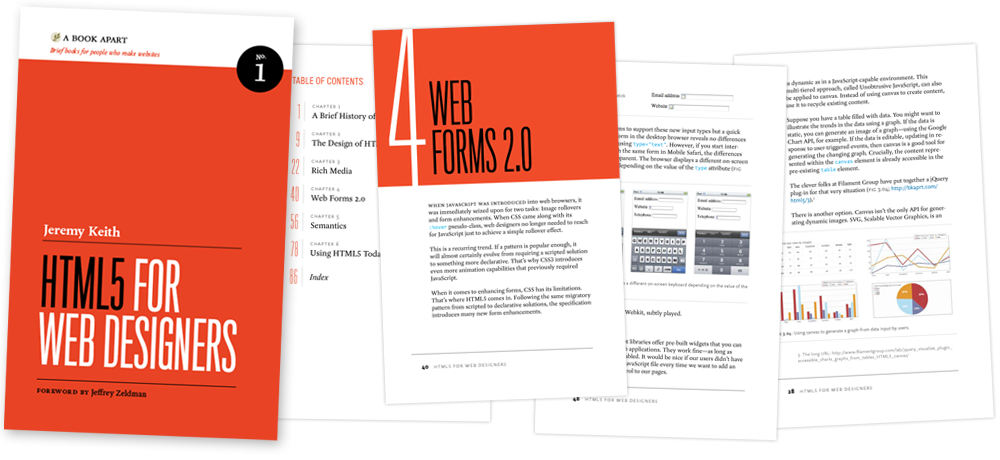
The A Book Apart Books: Honestly I would recommend all of them, but the specifically web development ones are: HTML5 for Web Designers, CSS3 for Web Designers, Responsive Web Design, and Mobile First.
As you probably know, I also have a book, Building WordPress Themes from Scratch. However, there have been some changes the publisher has been doing lately and I am working with them to get the book in my hands. More on that here.
Finally, I have another book coming out in December called Responsive Design with WordPress. I think this would work really well after books 4 and 5 on the above list. Keep an eye out for it; maybe I’ll even do a giveaway or two.
What are your must-read web development books? Let me know in the comments!
I’m currently sitting on an Amtrak train from NY Penn to Exton, PA (the Philly-ish area). The ticket taker was coming by on his nifty device scanning tickets, which would then check a database of purchased tickets to confirm the purchase and the identity of the purchaser. However, when we hit a tunnel (and therefore no data connection), the device stopped working; any scans returned “Ticket not found.” You would think that whoever developed this system for a subway/train company would have considered that at times there might not be a data connection, but that didn’t seem to be the case. This is a bit of a dilemma for anyone developing apps for mobile.
HTML5 Draws Concern Over Privacy Risks: I hate to break it to Ms. Vega, but anyone writing a website can store a lot more than they think, especially since we are constantly logged into social networks like Facebook. Also, I think this is mostly sensationalism since browsers implement the HTML5 spec.
The Entrepreneur’s Wallet:  A nice comparison of the wallet of someone who runs a company vs. the project manager’s. Mine is actually more like one on the right. I cannot stand clutter.
iTunes get Social, Launches Ping: Earlier this week Apple had a music event, where among other things, they announced an iTunes integrated social network called Ping. They still have not announced a replacement for lala.
Google’s response to the Aforementioned Article: A few days later, Google released this statement trying to clear up some of the “misconceptions” propagated by HuffPo, FreePress, and others. Strangely enough, this one went unnoticed by HuffPo. So weird!
HTML5 for Web Designers by Jeremy Keith is a book I pre-ordered when it was first announced and I finally got around to reading it last week. I got it because it looked short & sweet, A List Apart does great work, and up until that point I didn’t know much about HTML5.
You want to build better systems, but you don’t know where to start.
That ends today. The Solo Systems Starter Kit will give you 4 systems every solopreneur needs to run a less chaotic business, the exact tools to create those systems, and automations + AI prompts and skills to get you to a calmer, more reliable business faster.

 : This book taught me everything I know about the right want to develop websites. Dan Cederholm is a pro and a great teacher who will take you through doing things, and making them bulletproof.