One Week with the Apple Watch Ultra

Last updated: March 10, 2023

It’s been a week with the Apple Watch Ultra and I love it.

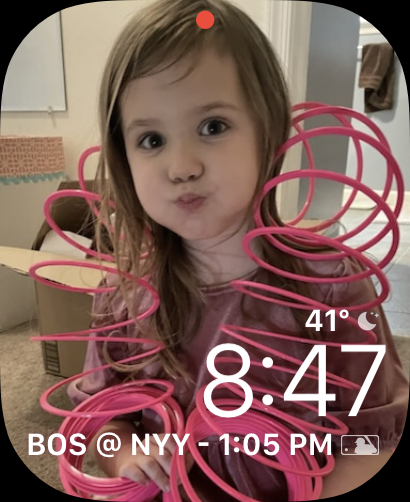
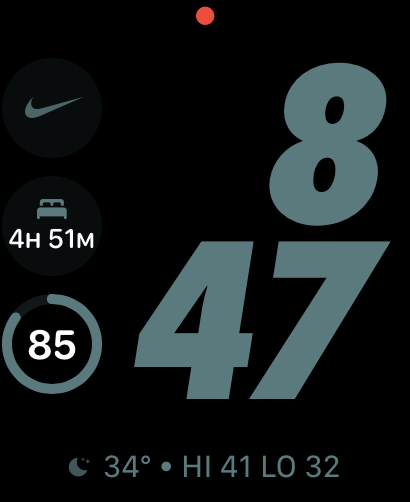
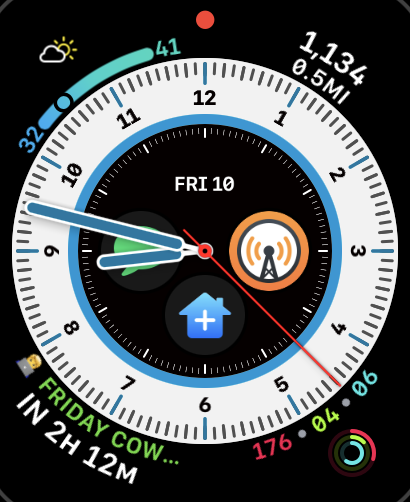
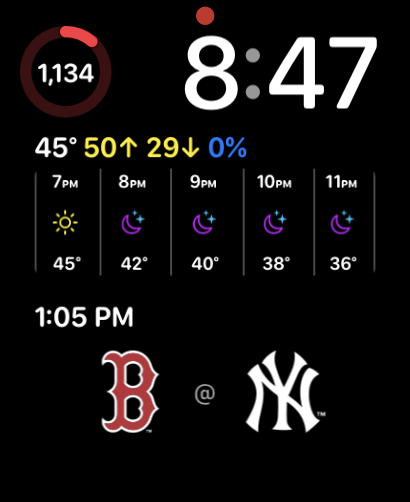
I like big watches in general, so the extra screen real estate is clutch. I have a few faces I’ve been using with it, depending on Focus Mode and Context:
There are a few things I really love about this watch, outside of the bigger face:

  • The incredible battery life. I can get about 2 days without charging it at all. Which means I get to use another new-to-me feature
  • Sleep tracking. I’ve never been much of a sleep tracker, but at the end of this month, I’m doing a sleep study where I’ll certainly be diagnosed with sleep apnea. I’m excited to compare the data on the watch to data from a proper study.
  • The Action Button. Right now I have it executing my “idea” shortcut, but I might change that (see below).
  • The Swipe Keyboard. I like that I don’t always have to talk to my watch.

There are a few quibbles I have, which might have less to do with the hardware, and more to do with the software:

  • Forced keyboard usage for input. I’d much rather the watch default to talking (or at least make it a setting). Because of that, I might change the Action Button, since that forces the keyboard and using voice to execute the shortcut does not.
  • No Battery Tracking. This was an issue I had on the Series 5 too. I like that I can see battery stats on my iPhone. I wish I could see it on the watch too. Some app (I think Overcast) went haywire and crushed my battery at one point.

Those are it though! Since the battery life is so good, I’ve decided I’m also going to experiment with leaving my phone at home more and rely on the watch for communication and notes. We’ll see how long it lasts.

Similar Posts

  • | |

    What’s on my Desk? — A Complete Tour! (Winter 2024)

    Last updated: February 4, 2025 Over the years, I’ve posted tours of my desk. I try to update it 2-3 times per year when significant hardware changes happen. Since the last post (Fall 2022), I’ve made several changes to light positioning, I/O devices, and added one big piece to the puzzle. Check out the updated…

  • My Thoughts on the Chromebook

    I got a Chromebook a couple of weeks ago (this one to be exact) as a machine to use around the house for browser and writing and such. I have an iPad Mini but frankly I don’t feel like I can get a lot accomplished on it besides reading. My hope was that the Chromebook…

  • |

    Get Your Inbox Under Control (Automatically) with SaneBox

    Full Disclosure: SaneBox is a sponsor of my podcast, but boy do I love this tool. Have you ever seen someone’s phone and noticed an email notification badge with a 4 digit number (OR ARE YOU THAT PERSON)? It makes my skin crawl! My inbox serves as a todo list for me, so a lot…

  • Know Your Way Around Facebook Privacy

    Note: This article was published while I was in my early 20s. I was much younger and dumber. Please don’t hold it against me. One of the perils of having a 20+ year old website!In my latest offering from Web.Appstorm, I take a comprehensive look at Facebook’s Privacy Settings.  I take a look at what…

  • Tis the Season for Video Games

    Note: This article was published while I was in my early 20s. I was much younger and dumber. Please don’t hold it against me. One of the perils of having a 20+ year old website!When I started playing video games again in September, it was after almost a year of not playing (I’m back on…