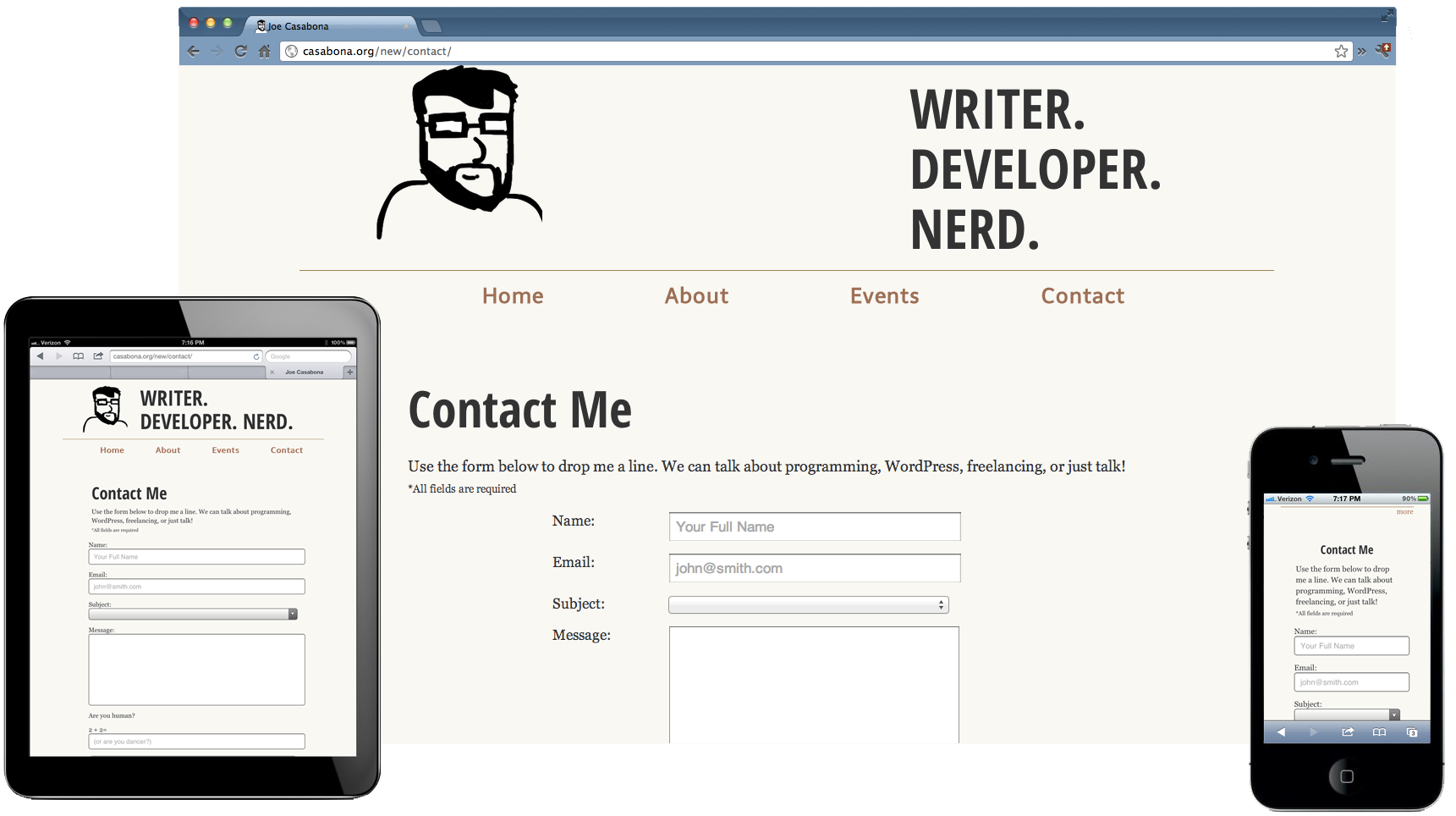
Testing your Responsive Site
Over the last year or so I’ve been involved with a few major projects that required responsive design/development. One of the most important things to remember about a responsive design is that it’s not just good enough to make sure your design shrinks with a smaller browser on your computer. Presumably, you’re doing this because people will be accessing your website on mobile devices. Therefore, you have to do device testing! In this post I will outline what I think is proper testing practice.
Device Testing
I know this can be difficult since not everyone can get their hands on a wealth of devices. You may be lucky enough to be close to an Open Device Lab, but if not, you should try your best. Note: If you’re an “agency” or a “firm” that’s advertising being skilled in RWD, you need to pony up and buy the devices. RWD isn’t just a buzzword and it should be done right.
- iPhone 4, 5
- iPad 2 or new iPad
- Android 4.0+ Phones: Galaxy Nexus, Galaxy Note II, S3 or S4, Droid Incredible (one of them), Droid DNA or Razor Maxx
- Android pre-4.0 Phones: Moto DroidX, Evo4G
- Android Tablets: Nexus 7, 10, Samsung Galaxy Note 10, Galaxy Tab 8.9, Kindle Fire, Moto XOOM
- At least one Blackberry (Q10, Z10)
- At least one Windows Phone (Lumia or HTC 8x)
- For fun: a Kindle or some other eReader
Of-course, do this at your discretion and based on your own analytics. If 0% of your users are using Gingerbread, pre-4.0 phones might not be an issue for you. My list for Android device testing is based on some cursory stat-searching, including LifeHacker’s most common phones and stats directly from Google, which you can view on the Android Dashboards page (these update in real(ish) time). Finally, when it comes to RWD, device testing isn’t the only aspect. You also need to consider speed.

@brad_frost did a guide a while back on how to cheaply get real devices to test on. You can also check out Swappa for second hand devices.
Browser Testing
This should be nothing new, but with the whole host of new devices, it might be worth while to check out these browsers now:
- The device’s native browser (Safari, Browser, etc)
- Chrome on Android and iOS
- Mobile Opera
- Dolphin
- Mobile Firefox
Also, make sure to test in IE 8,9, and 10! If you take a Mobile First! approach, keep in mind that IE8 does not support media queries.
Speed Testing
You cannot assume that everyone will have your great 70mbps connection (that’s a real max speed for me). People could be getting less than 1mbps at times, and that’s terrible if your site is huge. I would recommend testing on:
- Broadband (wired or wifi connection)
- 4G (on multiple carriers if possible)
- 3G (on multiple carriers if possible)
- 4G and 3G while traveling
Wrapping Up
I understand that this can be cumbersome and cause a lot of work, and admittedly I haven’t been as diligent as I should be either. There are, however, way you can do this sort of testing without breaking the bank. Aside from what Brad mentions, you can do things like an open or closed beta, inviting people with different devices and connections to test on their devices and report back. I will generally have my friends and co-workers test designs for me. Or hey, you could always start an open device lab 
What kind of testing for RWD do you do?