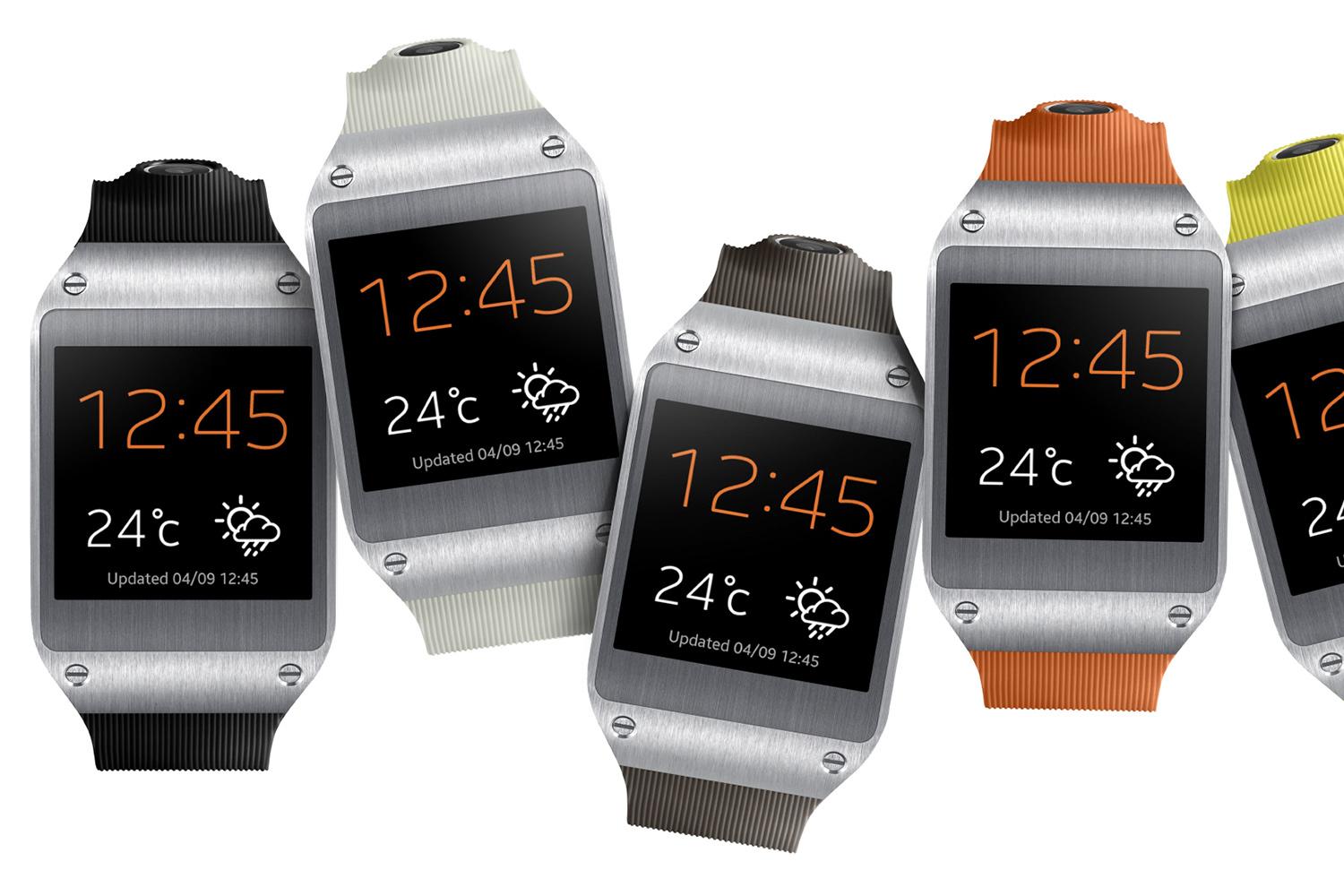
Going through my feeds this morning, I came across a link to a story on Engadget talking about how the Samsung Galaxy Gear was hacked to browse the web. With this, another screen/device that can view websites enters the fray, making Responsive Web Design as important as ever.
Yesterday on Twitter, I saw @ugmonk tweet saying he had just pre-ordered his @coin. Curious, I clicked to see what it was. I watched the quick 2 minute video (linked after the jump) and was sold! I pre-ordered mine right then and there. The link spread like wild fire across social networks and everyone chimed in with their opinion. I’ve decided to do the same. So…what is the Coin?
According to their website:
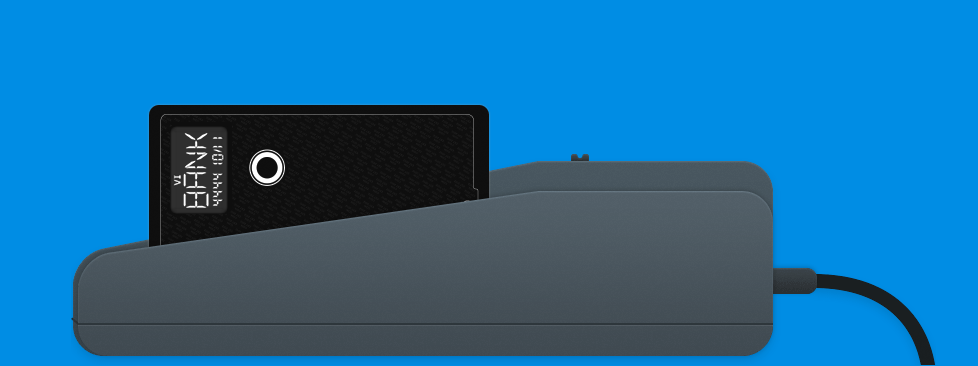
Coin is a connected device that can hold and behave like the cards you already carry. Coin works with your debit cards, credit cards, gift cards, loyalty cards and membership cards. Instead of carrying several cards you carry one Coin. Multiple accounts and information all in one place.
What does that mean? In essence, Coin can reduce your massive, George Costanza Wallet down to a single card. You use a device that comes with the to swipe your cards, and that information is sent via the Android or iOS app to your Coin. You then use the button on the front to select the card you want swiped, and hand it to the cashier like any other credit card. During the pre-order process, it costs $50+5 shipping, and you can order it here.
Of-course, as this picked up speed, lots of people weighed in on the device; the most common concern is security. What’s to prevent this company from stealing or selling our information? What happens if they get hacked? What if someone uses the Bluetooth device to grab our info? Well, the fine folks at Coin have answered most of these questions in the FAQs section. All data in encrypted using 128- or 256-bit encryption, you can deactivate your Coin if it’s stolen, and it’s no more susceptible to data skimming than a regular credit card. As far as them stealing the data- if it’s encrypted they can’t (depending on when). I know there have been a lot of revelations in the last year that make a lot of people weary of things like this, and I’m pretty skeptical, but these guys are betting a lot on this and screwing it up will be devastating for them.
The reason I ordered it is out of general interest, and $50 is a pretty low barrier of entry for something that could potentially be a game-changer. It looks fantastic and incredibly convenient. I’m glad to say I’ll be part of the early adopters who get to see how people will first react to it.
If you’re interested, you can read more about it on their website, where you can also pre-order it. Full disclosure: that’s my referral link. Help a brother out!
Over the last year or so I’ve been involved with a few major projects that required responsive design/development. One of the most important things to remember about a responsive design is that it’s not just good enough to make sure your design shrinks with a smaller browser on your computer. Presumably, you’re doing this because people will be accessing your website on mobile devices. Therefore, you have to do device testing! In this post I will outline what I think is proper testing practice.
Device Testing
I know this can be difficult since not everyone can get their hands on a wealth of devices. You may be lucky enough to be close to an Open Device Lab, but if not, you should try your best. Note: If you’re an “agency” or a “firm” that’s advertising being skilled in RWD, you need to pony up and buy the devices. RWD isn’t just a buzzword and it should be done right.
iPhone 4, 5
iPad 2 or new iPad
Android 4.0+ Phones: Galaxy Nexus, Galaxy Note II, S3 or S4, Droid Incredible (one of them), Droid DNA or Razor Maxx
Of-course, do this at your discretion and based on your own analytics. If 0% of your users are using Gingerbread, pre-4.0 phones might not be an issue for you. My list for Android device testing is based on some cursory stat-searching, including LifeHacker’s most common phones and stats directly from Google, which you can view on the Android Dashboards page (these update in real(ish) time). Finally, when it comes to RWD, device testing isn’t the only aspect. You also need to consider speed.
This should be nothing new, but with the whole host of new devices, it might be worth while to check out these browsers now:
The device’s native browser (Safari, Browser, etc)
Chrome on Android and iOS
Mobile Opera
Dolphin
Mobile Firefox
Also, make sure to test in IE 8,9, and 10! If you take a Mobile First! approach, keep in mind that IE8 does not support media queries.
Speed Testing
You cannot assume that everyone will have your great 70mbps connection (that’s a real max speed for me). People could be getting less than 1mbps at times, and that’s terrible if your site is huge. I would recommend testing on:
Broadband (wired or wifi connection)
4G (on multiple carriers if possible)
3G (on multiple carriers if possible)
4G and 3G while traveling
Wrapping Up
I understand that this can be cumbersome and cause a lot of work, and admittedly I haven’t been as diligent as I should be either. There are, however, way you can do this sort of testing without breaking the bank. Aside from what Brad mentions, you can do things like an open or closed beta, inviting people with different devices and connections to test on their devices and report back. I will generally have my friends and co-workers test designs for me. Or hey, you could always start an open device lab