
How I am Automating More of My Business
One of my goals when I started getting serious about my business was to automate more. I knew I did a lot of things manually, and there were lots of things that I could do better. At the very least, there I were things I didn’t need to be doing manually. In my master mind group, one of the members said this to me: “I wonder what you’d be able to do if you had less to do.” So my homework was to make a list of all the things I could automate or outsource. It was a great exercise, and I learned a lot about my process. Here it is, so that you can do that same thing.
I Can Outsource A Lot More Than I Can Automate
Perhaps this is due to a lack of creativity or knowledge (or budget), but I have the feeling there are a lot of tasks in my day-to-day that can’t be automated. That doesn’t mean I have to do them…someone else can do them. But knowing that distinction is important for me, so I don’t spin my wheels evaluating automation processes instead of evaluating a VA.
A great example is my podcast. Here are a few things I outsource:
- Add the sponsor spots to the mid-roll
- Gather the show notes
- Find the pull quotes
- Make the images
- Upload audio to Castos
- Make an audiogram
- Schedule the post
Similarly, I can outsource certain aspects of course creation, like artwork, putting the posts together in WordPress, and more. But, that’s not automation. So…
What Can I Automate?
I’ve determined that anything that requires multiple apps to talk to each other can be automated. I’m already doing things like creating a show notes doc when someone schedules a podcast interview (Calendly -> Notion), and automatically sending my live streams to Vimeo when they end. There’s a lot to know – and lots of tools to figure out. Some of the tools that are integral to my business are:
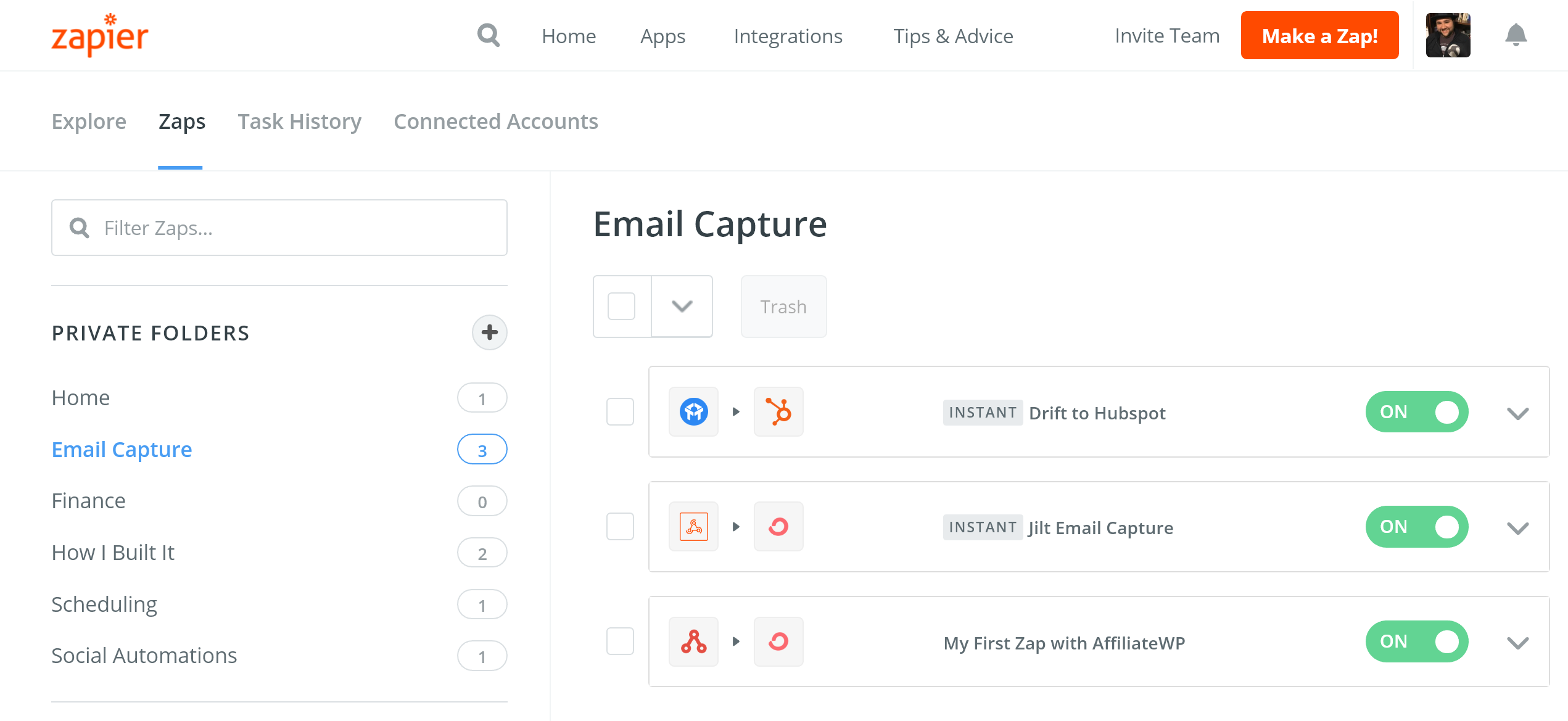
Zapier
As mentioned, Zapier is he lynchpin of my automation library. It works with so many other things, and lots of WordPress plugin developers integrate with it. They also support writing Code directly into an automation, if I want.
IFTTT
One place Zapier falls short is device automations, like iOS, Alexa, and Android. This is where IFTTT shines. I’m using a combo of Zapier and IFTTT to do things online and then send reminders to my phone. For example, when I scan a business card into Evernote, I get a reminder 3 days later to follow-up with the person.
TextExpander
TextExpander is a cross platform app that replaces text snippets. It allows me to compose emails from 3 characters, and makes sure I never typo a URL. It also works with with some variables/scripting languages to do some truly cool things.
Shortcuts (on iOS and macOS)
One of the best features of iOS in recent years is Shortcuts – and now they are on the Mac as well. I use Shortcuts to log ideas, set timers, and automate scenes in my office, specifically around recordings. I know there’s a lot more I can be doing, and I have some help there.
2 fantastic resources to help me really understand and make the most out of Shortcuts: The Club MacStories iOS Reviewebook , and theShortcuts Field Guideonline course. Both are created by podcasters I trust. And the MacStories iOS review is my favorite thing to read when it comes out
Hazel
Hazel is an interesting Mac app that lets you automate folder and file actions. I’m using it to backup client projects, move podcast files into shared folders for my team, and update video files to get them ready for editing…as well as keep my Desktop and Downloads Clean.
Keyboard Maestro
This incredible app is keyboard and mouse automation for macOS. One super cool thing I do with it is set up workspaces. For example, when I press the “podcast workspace” button on my Stream Deck, Keyboard Maestro opens Zencastr in Chrome and Notion in Safari, and arranges the windows. It also opens GarageBand for a backup recording.
The Automators Podcast
I’m also listening to a relatively new podcast called Automators. The hosts tackle a new automation topic each show, and it’s fantastic for learning about new tools and generating ideas.
What Are You Automating?
I’d love to know what you’re automating. Do you have a tool you love or an automation you can’t live without? Let me know in the comments!
