
|

Using Back Tap on iPhone

I had the pleasure of participating in the GoWP Niche Agency Owners Happiness Hour recently and we talked all about tools (I didn’t know that going in, but as you can imagine I was pleased). Something I got to demo was how to turn on iPhone Back Tap (a feature in iOS 14 and up). Since many didn’t know about it, I thought it would be a good thing to demo here.

What is Back Tap?

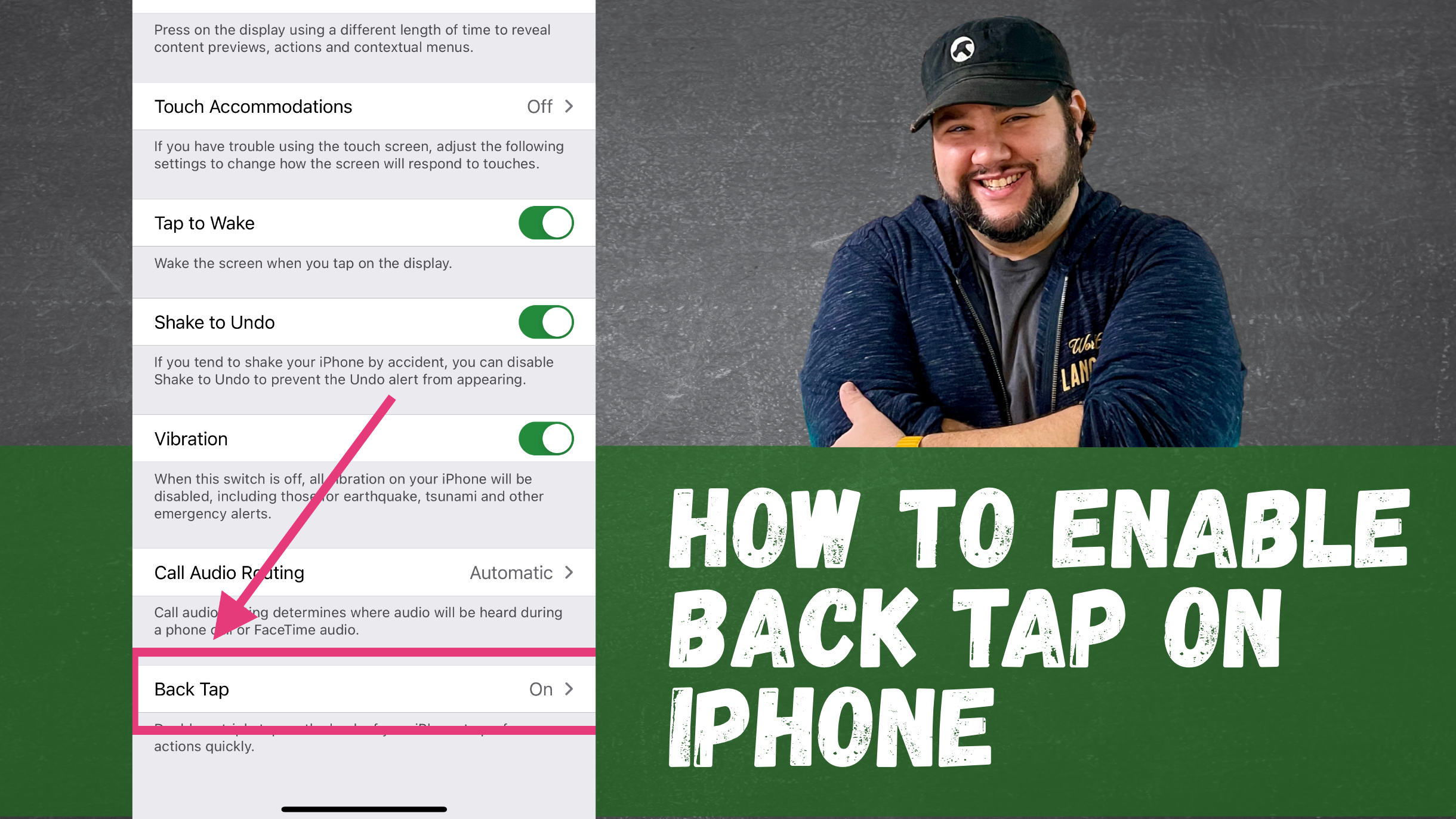
Back Tap is an accessibility feature that allows you to set up actions when you double- or triple-tap the back of your iPhone. And while the preset actions are mostly accessibility related, you can also assign a shortcut.

How I’m Using Back Tap

The shortcuts can do just about anything, including open apps. So my back taps are:

  • Open Camera for Double Tap
  • Open Craft for Triple Tap

I thought a lot about what actions I wish I had quick access to when I have my phone in hand. Since I have small kids, the Camera is definitely a much. And since I always want to capture ideas quickly, a fast way to open my main ideas app, Craft, would be hugely helpful.

Since you can explicitly open apps with Back Tap (yet), I’d need to rely on those shortcuts. You can get the camera shortcut here.

How You Can Enable Back Tap

I put together a quick (less than 1 minute) video tutorial on how you can enable back tap. If you prefer to read it, 9to5Mac has a good write up.

Back Tap on iPhone is a HUGE time saver! How will you use it? Let me know in the comments!

Similar Posts

  • |

    Time Management

    Note: This article was published while I was in my early 20s. I was much younger and dumber. Please don’t hold it against me. One of the perils of having a 20+ year old website!Since school has started I have had less time for well, a lot of things. Most things, as it turns out….

  • |

    Quick Tip: Add a Widget to WordPress

    Note: This article was published while I was in my early 20s. I was much younger and dumber. Please don’t hold it against me. One of the perils of having a 20+ year old website!A couple of weeks ago I was working on a WordPress site and thought it might be nice to add a…

  • 10 Websites Every College Student Should Know

    Note: This article was published while I was in my early 20s. I was much younger and dumber. Please don’t hold it against me. One of the perils of having a 20+ year old website! Last week I wrote about 10 Things Every College Student Needs. Now I want to tell you about something a…

  • |

    How I’m Using the iPad Mini

    When the new 2021 iPad Mini went on sale, I instantly ordered it. After spending some time with it, I’m super happy with the purchase. It’s the perfect size for a lot of things. Here’s how I’m using it, from reading to content creation.

  • |

    6 Months with the iPad Mini (Gear and Apps)

    When the 2021 iPad Mini came out last September, I immediately purchased it and thought it would be the perfect research companion. I wrote all about it here. Now that I’ve had it for about 6 months (and the birth of one child), I thought I’d revisit that post and discuss the gear, apps, and workflows I’ve implemented.