
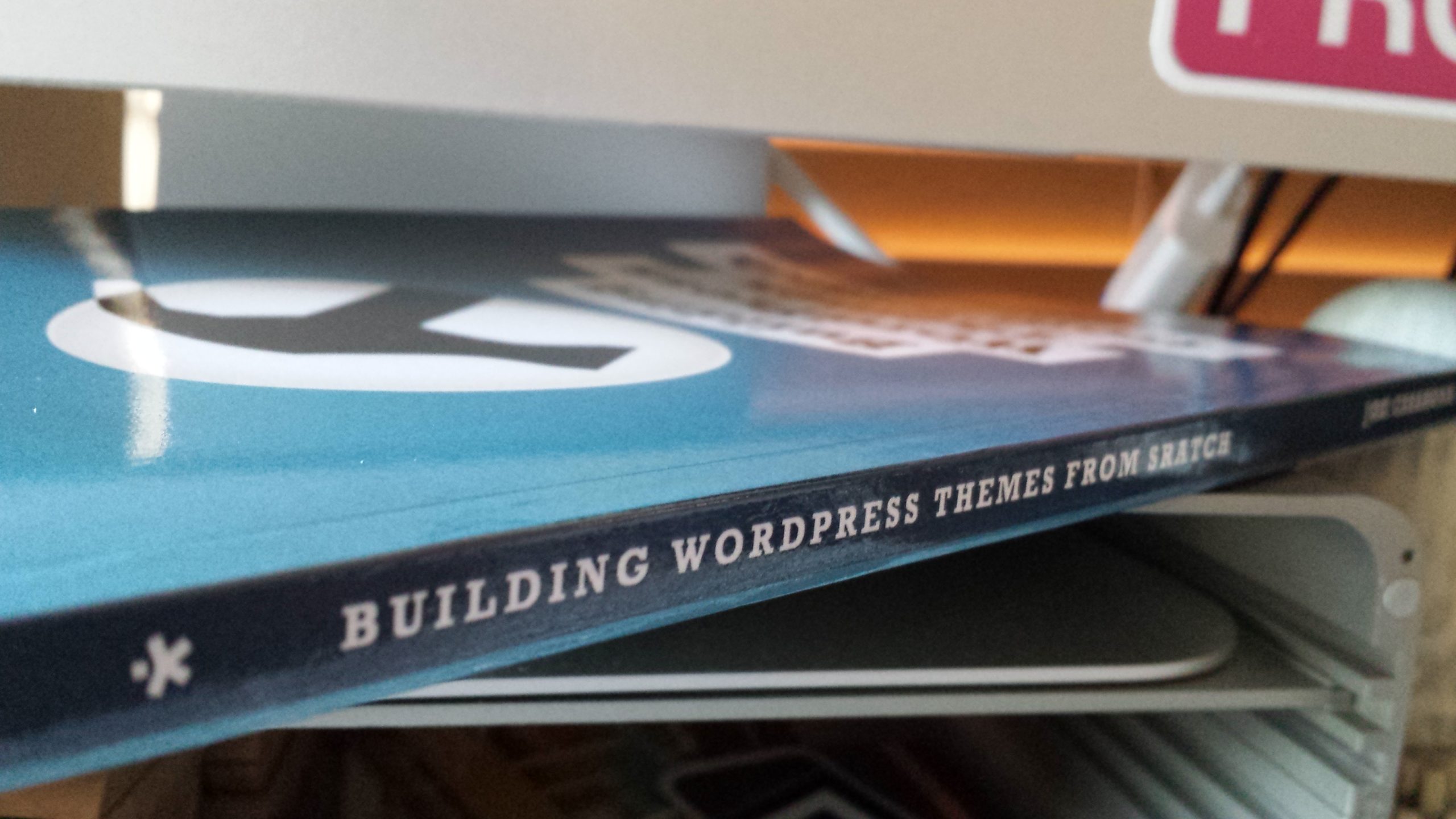
Building WordPress Themes from Scratch FAQs
How do I access the files from the book?
If you go to Page 140 in the book, you’ll see a section called “Your Download Links” with a link generated for you! Just click on that link (or type it into your browser if you got the print copy) and the accompany files will be downloaded to your computer. To make things easier, you can also click this link, which will take you to Github 🙂
Do Lifetime Updates also come with the print version?
Do they ever! When you buy the paperback version of the book, all you have to do is send a copy of your Amazon purchase receipt to upgrade@rockablepress.com and they’ll send you all 3 digital version of the book as well (PDF, ePub and Kindle). Once you have these three digital versions, we’ll send you the updated versions of the ebooks* when we we launch a revised edition of the book.
*This does not include an updated version of the print book.
Do you cover Responsive Web Design in your book?
Unfortunately I do not. I really wanted to focus on WordPress theming and tapping into the API. I do cover it in my new book, Responsive Design with WordPress, out now!
Is the book be available on Tuts+ Premium?
It is! You can also buy it on Amazon again. Oh happy day!
I found an error! How can I report it?
Bummer! If you found an error, fill out the contact form and include the page number and what the error is. If you’d be so kind, make the Subject, “Errata.”
Have other questions?
Shoot me an email through the contact form on my main site and I’ll get back to you as soon as possible.

Hi there,
Sorry to bother you, but I wondered if I could ask a question about p34 in your book? Specifically: wp_nav_menu ( array(‘menu’ => ‘Main’ , ‘container’ => ‘nav’ ));
I’m not getting any styling on the wp_nav_menu in the header and when I look at the generated code, it doesn’t produce the “nav” div class, but instead provides a “menu” div. I looked in the CSS and all I can see that’s relevant is “header nav” and “header nav ul li” with no header class in the header. I’m more than happy to change the css to reflect this, but I was concerned that I’ve fundamentally misunderstood something. If you have the time to point out where I went wrong, I’d be very grateful. If not, please don’t worry – I’m sure I’ll puzzle it out myself at some point!
Other than this one issue, I’m really enjoying the book and have found it really interesting and easily navigable. Thank you for writing the book, it’s helped me immensely!
Regards,
Angela
Angela,
I thought I was dumb but you just confirmed it! And I want to learn how to do this stuff. I see I definitely have my work cut out for me.
Hi Guys, I had the same issue and fixed it finally. Here is the my solution below:
Open header.php and
find:
‘Main’, ‘container’ =>’nav’ )); ?>
change with this:
‘Main’, ‘container’ =>’nav’ )); ?>
and add this in master.css file:
header ul li { float:left ;}
These will fix the menu issue 🙂
Hi Guys, I had the same issue and fixed it finally. Here is the my solution below:
Open header.php and
find:
[code] ‘Main’, ‘container’ =>’nav’ )); ?>[/code]
change with this:
[code] ‘Main’, ‘container’ =>’nav’ )); ?>[/code]
and add this in master.css file:
header ul li { float:left ;}
These will fix the menu issue 🙂
Put the related code in header.php between tags and add this code “header ul li { float:left; }” in master.css
Sorry for previous posts, the site cuts the codes automaticly