
Tools Check-in: What am I using so far in 2024?
My grandfather came to the United States from Italy in 1949 and worked in New York City for much of his life — primarily in construction.
Both he and my parents moved out of the city (though I wouldn’t say Upstate), after he retired. But he continued to do home projects as I grew up. My dad would say he could paint an entire room in a 3-piece suit and not get a drop on him.
For as long as I can remember, he had this big, metal toolbox — you know, one of those big grey ones with the curved top and the center latch. When he passed away, he gave it to me, and I still have and use it to this day.
In fact, most of the tools in his toolbox, Pop had for decades. When he found something that worked for him, he held on to it, and took care of it. There’s a hammer in there that has to be as old as I am.
And when you think about it, the hammer is a pretty good analogy for our digital tools. It’s a basic device, but there are countless variations, purpose built for specific tasks. Much like a task manager or notes app, you mostly know what you’re getting — but you may want something a little more specialized for your needs.
Back in November, I posed a question: When Do You Burn All of Your Processes Down and Start Over?
I was in the middle of changing several of my tools, both in the name of budget and features set.
So I thought I’d take this time, towards the end of Q1 2024, to check in and share the tools I’m using.
Hardware
Happily, it’s been a while since my hardware has changed. I’m still using my 2 stream decks, Mac Studio, and everything else you see on my desk.
The one major change is I just picked up a 15” M3 MacBook Air. My M1 was getting a little long in the tooth because I cheaped out on RAM, but I was also feeling constrained by the 13” screen. Plus, I couldn’t pass up that beautiful Midnight color.
With that, let’s move on to software, starting with my most important stack: podcast production.
Podcast Production Tools
So, in November, I mentioned I was jumping ship in a few places.
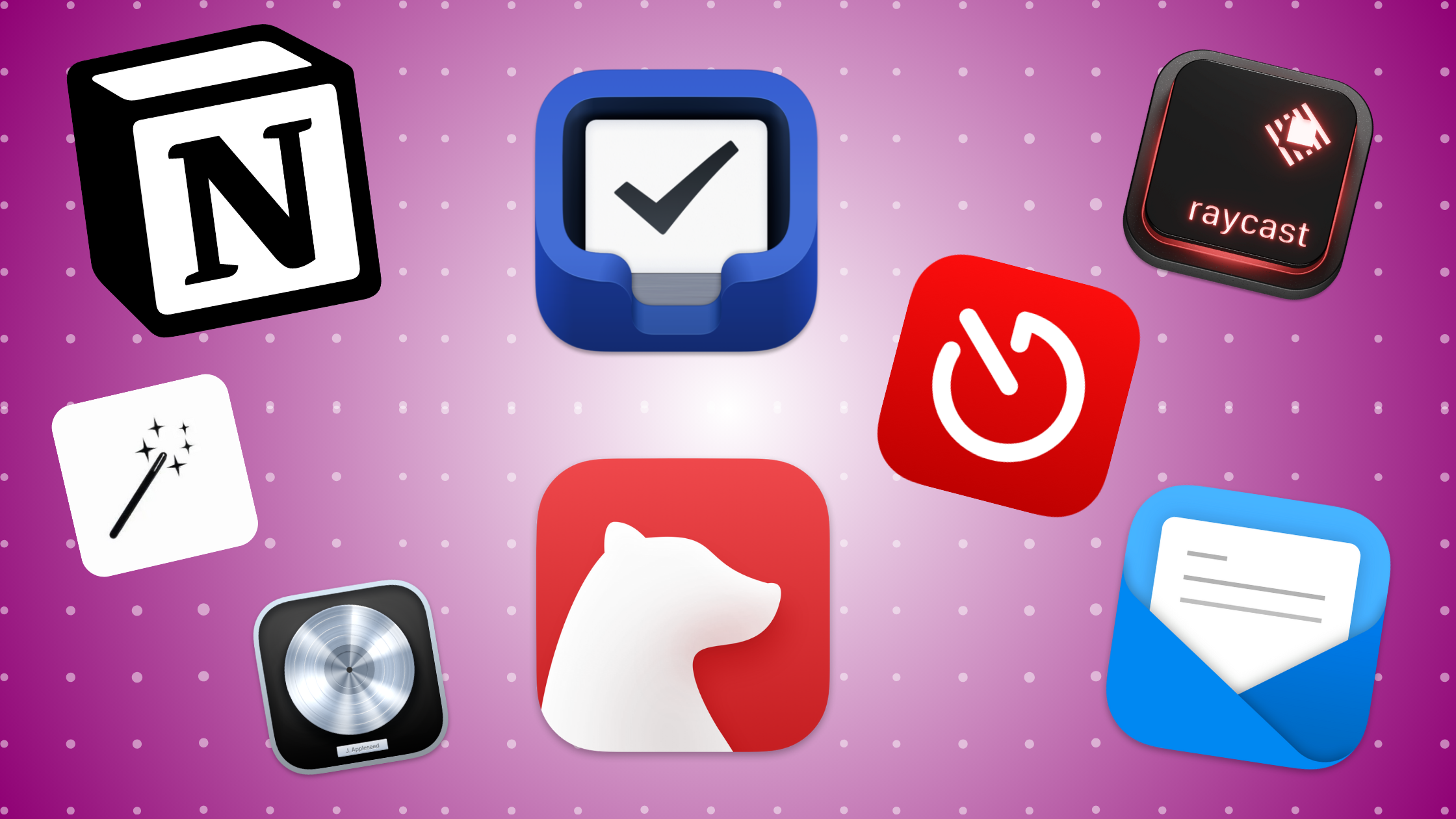
Notion for Podcast Planners / Organization
The first was swapping Airtable for Notion for my podcast planner. I’ve done that, and have continued to use Notion for basically all of my project planning and operations, like VA tasks, my CRM, and other content tracking.
I even have a family area for school stuff and manuals for all the appliances we have.
I like it, but there are a few things I miss from Airtable:
- The biggest is this. I wish that when you highlight 2 rows, then drag down, Notion would learn the incrementation pattern and apply it.
- Emailing with automation. I didn’t realize how much I relied on this until things started falling through the cracks, especially with my VA tasks.
I also tried using it for all notes, but I’ve decided that this year, I don’t need an all-in-one app. I’m going to use each app to its strengths. More on that later.
Back on Riverside
I also mentioned I was jumping from Riverside.fm to Squadcast, since I was using Descript anyway.
Well, that’s out. I’m happily back on Riverside, and it’s for a few reasons:
- The way each studio handles multiple recordings is way better. In Squadcast, all the recordings done in a room (called a Session) are lumped together. Riverside handles each record as its own discrete project.
- Separate chats. Similar to recordings, a complete chat history is maintained in each Squadcast Session. I don’t like that very much.
- AI switching in video. I haven’t fully rolled out video yet for my podcast, but I love Riverside’s automatic speaker switching is great.
But there’s another reason I’m not using Squadcast: I’m not using Descript at all anymore.
Descript is Out Completely. ScreenFlow, Logic Pro, and Castmagic are in
Back in December, I was creating a Year in Review video for RSS.com and decided, kind of on a whim, to use ScreenFlow instead of Descript.
I was in a bit of a time crunch, and felt I could do the edit faster in ScreenFlow, since I invariably would fight Descript in some way anyway.
Well, it’s a good thing I did because we decided to make a change to the slides I used, and honestly, I don’t know how I would have done it in Descript without reshooting.
Then it thought, “If ScreenFlow does what I need it to do, why use Descript at all?”
Still, I decided to still use it for audio content; editing via the transcript and finding cold opens is very convenient. That is, until I purchased some audio plugins, which Descript doesn’t support.
So I moved to Logic Pro, and it’s been pretty good. I still don’t do heavy audio editing, but applying simple filters (thanks to iZotope RX 10) is easy in Logic Pro — and as a bonus, ScreenFlow supports them too!
I still think Descript is good for the basics — but I definitely felt myself bumping up against the limits of the app.
Castmagic for transcripts and clips
In my newsletter, I wrote about how I’m using Castmagic more — that’s the tool I’ve decided to go with for automatic transcripts (which my VA then cleans up to make they fully accurate), as well as surfacing good clips for the cold open.
It’s been a few weeks, and so far, I’m happy!
So the quick recap of my podcast production tools:
- Notion for Planning / Organization / Project Management
- Recording interviews in Riverside.fm
- Recording Solo Shows / Editing (when I do it) in Logic Pro with iZotope RX 10 plugins
- Castmagic for transcripts, clips, and summarization / surfacing stuff I may have missed.
I’m still publishing my podcast on Transistor.fm, though I recognize that there are plenty of great options out there (and perhaps even a better one for me).
OK — now let’s look at my productivity stack.
Productivity Tools
My productivity tools are mostly unchanged. I did switch back to Things 3, which I’ve been enjoying. The simplicity of the app is unmatched, and I’ve gotten used to its organization and limited views.
Dare I say, I’ve even grown to like it. The one thing I wish it had is better support for web automation…but if I ever get my Pushcuts server working, that won’t be an issue.
I’ve leaned fully into Bear Notes for note-taking — which I love. It’s my brain dump area, perfect for idea capture, and I add any links I want to share over on Podcast Workflows.
It’s got great Shortcuts and dictation support too!
For all things calendar, I’m still using Fantastical and Calendly. Fantastical is the GOAT, and there hasn’t been a compelling reason for me to move from Calendly, wherein I have considerable technical debt.
For email, I’m using Mimestream on Mac, and Spark on iOS. Once Mimestream has an iOS client, I’ll move to that. Its support for Google’s email services is great, and on Spark, I feel like I’ve had some deliverability issues. Plus, Spark has integrated lots of other features that, I feel, are unnecessary in an email client.
Finally, and I need to do a bigger write-up on this, but Timery has become an important app for me. I’ve been time tracking everything and learning a ton.
Other Apps that Should Get More Time
There are three other apps I want to mention here before closing out. I put them here because I would like to do longer write-ups on each.
The first is Arc, which has become my full-time browser on both macOS and iOS. It’s Chrome with a much more modern design and feature set. There are plenty of things I love about it, but I think my favorite feature is the profiles for tab groups. I no longer need to log into multiple browsers to be logged into different accounts.
Oh, and the automatically routing of specific websites to specific tab groups. So good.
The second is ChatGPT. And I know, it’s not Earth-shattering that I’m using ChatGPT. But 6 months ago, I used it somewhat randomly and vowed that I’d never pay $20/mo for it.
But GPT-4 has been SUPER valuable in several ways, to help me with podcast planning, writing, fact checking, and more.
I will definitely be doing another piece on my “State of AI Tools,” and ChatGPT will be the centerpiece.
Lastly, Raycast is now my full-time launcher on macOS. I use it for everything from emoji insertion to file search, to specific app functions; I’d be lost without it now.
Wrapping Up
So that’s the state of my apps, more or less. There are lots of little utilities I’m using, but this covers the lion’s share of what I’m in every day.
What about you? Let me know your favorite apps, or what you’d like to learn more about, in the comments!

2 Comments
Comments are closed.