
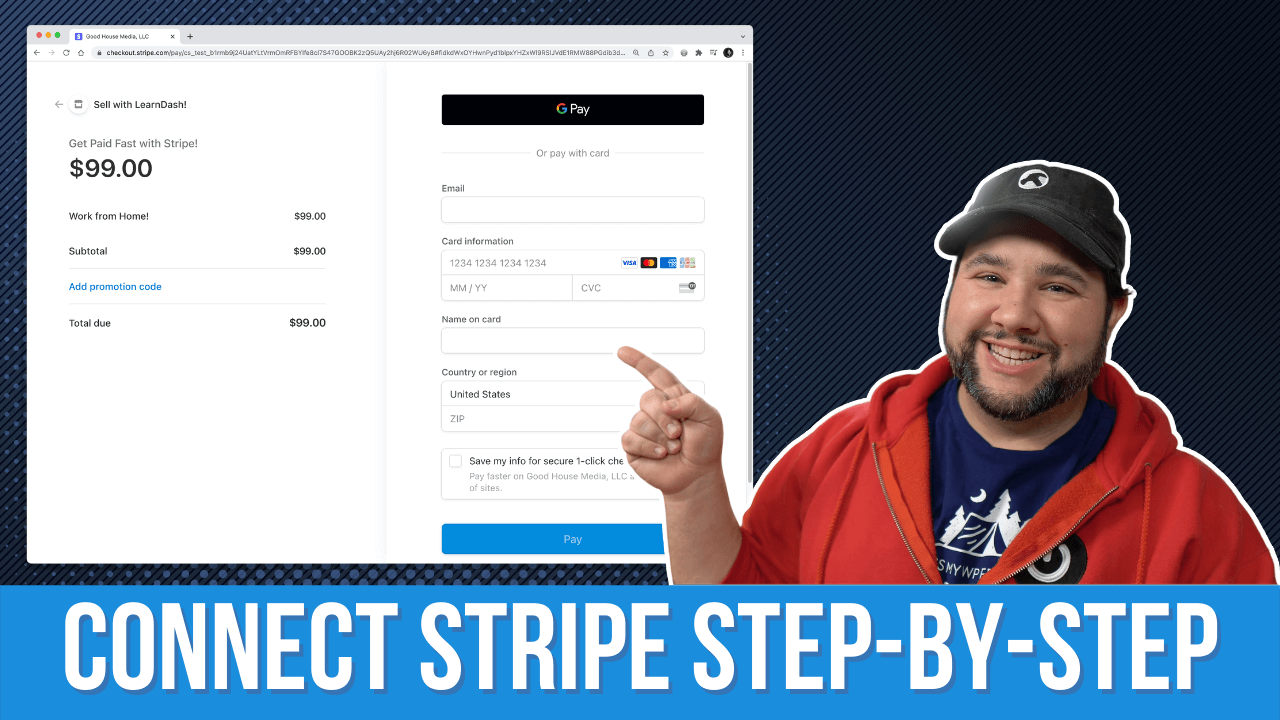
How to Use Stripe to Sell Courses in LearnDash

LearnDash is perhaps the best LMS plugin for WordPress. It does a ton out of the box, allowing you to sell single courses, memberships, and subscriptions, issue certificates, and more. But one thing that isn’t included is Stripe integration. Luckily, there’s a free add-on. While Stripe integration got more secure, it also got more complicated.

So here’s a step-by-step guide on how to connect Stripe to LearnDash.

LINKS

Similar Posts

  • Desk Tour: My Recording Setup

    Recently I made some changes to my desk and recording set up to simplify and remove a number of items. Here’s the result of that, and how I manage all of the recording gear, from my 2 mics to my Sony a6400. Check out the gear here: https://kit.co/jcasabona/youtube-live-stream-setup… Source

  • Create Professional Photo Galleries with WordPress and Modula

    If you’re looking to create professional, fast, and secure galleries with WordPress, look no further that Modula. This is an excellent plugin that allows you to add watermarks, create private galleries, and has extensive options for customizations. Let’s take a look! Get Modula: https://wp-modula.com [This is a sponsored video] Source

  • How Move To Works in the WordPress Block Editor / Gutenberg

    The WordPress Block Editor and Gutenberg are powerful tools to help us build better content, and faster. But there are also a lot of hidden features that may not be as intuitive…though just as helpful. One such feature is the “Move To” menu item for blocks. We’ll look at exactly how this works and when…

  • How to Add Beautiful Podcast Subscribe Buttons to Your WordPress Site

    Have a clear way for podcast listeners to subscribe to your show is SUPER important. I recommend having a Subscribe page that you can use as the CTA in your episodes. But if you have a WordPress site, how do you add nice looking buttons? Using the Podcast Subscribe Buttons plugin of-course! * Podcast Subscribe…

  • Rebuilding a WordPress Site Using ONLY Full SIte Editing!?

    Who is Full Site Editing really for? That all depends on what we can do with it. So today, I’m putting it to the test. I’m going to convert my long-standing personal website, Casabona.org from Kadence Pro and Kadence Blocks to stock WordPress, Twenty Twenty-Two, and Full Site Editing. I’m using NO extra plugins or patterns. Just whatever comes in a fresh WordPress install. Let’s see how it goes!

  • Understanding A.I.’s Role in Online Course Creation

    If you create online courses, you won’t want to miss this very special discussion! I’ll be joined by Ronnie Burt, Business Lead at Automattic, who’s overseen development of the Sensei LMS plugin. We’re going to cover:

    – Managing emails for your online courses
    – A.I.’s role in assisting with online course creation.
    – Sensei’s upcoming A.I. Quiz Generator
    – Marketing automation tools for course creators and membership sites

    …plus we’ll be fielding questions live!

    This live stream is presented by Sensei. Learn more here: https://howibuilt.it/sensei