
BSL Clip: Using the Concepts iPad App for Public Speaking Talks

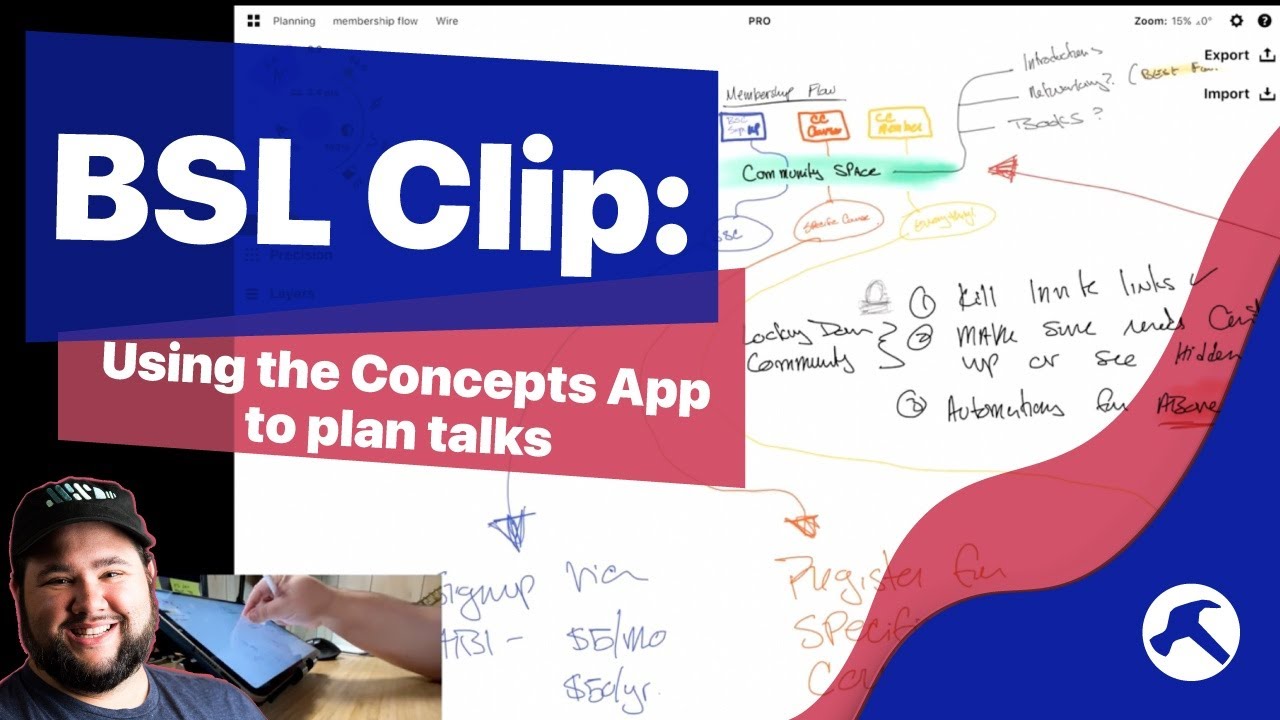
Welcome to another Clip from the Build Something Live Stream! I love public speaking, and in this one I’m planning out a talk and my slides using the infinite canvas app Concepts on my iPad.

Concepts App: https://concepts.app/en/
iPad Pro 11” 2021: https://amzn.to/3hPi7H2
Apple Pencil: https://amzn.to/3AOkUIX
Satechi Stand: https://amzn.to/3k1xvTm

Catch the streams live by subscribing.

OR get access to the archive by becoming a member: https://buildsomething.club

Source

Similar Posts

  • Create Easy Members Only Menus for WordPress with Nav Menu Roles

    Do you want a custom navigation menus in WordPress for your memberships without having to use custom code…or even a second menu? Look no further than Nav Menu Roles. Here’s how to use this simple WordPress plugin to create powerful custom menus. Join the Build Something Club to get exclusive podcast episodes and more WordPress…

  • Will My 2008 (Intel) MacBook Turn On?

    Recently I unearthed an artifact from my parents’ house: my first MacBook from all the way back in 2008. I moved to Mac when they moved to Intel so I could Dual Boot Windows, which I rarely did. And I haven’t looked back since! I picked up a charging brick but I haven’t tried to…

  • How to Submit to the WordPress Block Pattern Directory

    With the roll out of WordPress 5.8, We’ll have a brand new Block Patterns Directory, with submissions from WordPress contributors for all over the world sharing their Gutenberg-based creations. Right now, there’s an open call for submissions – which means you can contribute in a very visible way without knowing any code! Here’s the whole…

  • Quick Tip: How to Grab ANY Color on Your Screen with Sip

    Sip is a menu bar utility for Mac that allows you to get the Hex, RGB, or HSL code for any color on your screen. It’s super handy for graphic design, web development, or anything else where you want to get an exact color. Here’s how it works!

  • Top 5 Tips for Using the WordPress Block Editor (and Full SIte Editing)

    The WordPress block editor is super powerful, but it can also be overwhelming. You can become more efficient and manage your content with these 5 tips on how to use the block editor in WordPress. Enroll in Master Full Site Editing: https://masterfse.com ~~~~~~~~~~~~~~~~~~~~~~~~ ~~~~~~~~~~~~~~~~~~~~~~~~ To learn more, start here: https://casabona.org/start Join my mailing list: https://buildsomething.email…