
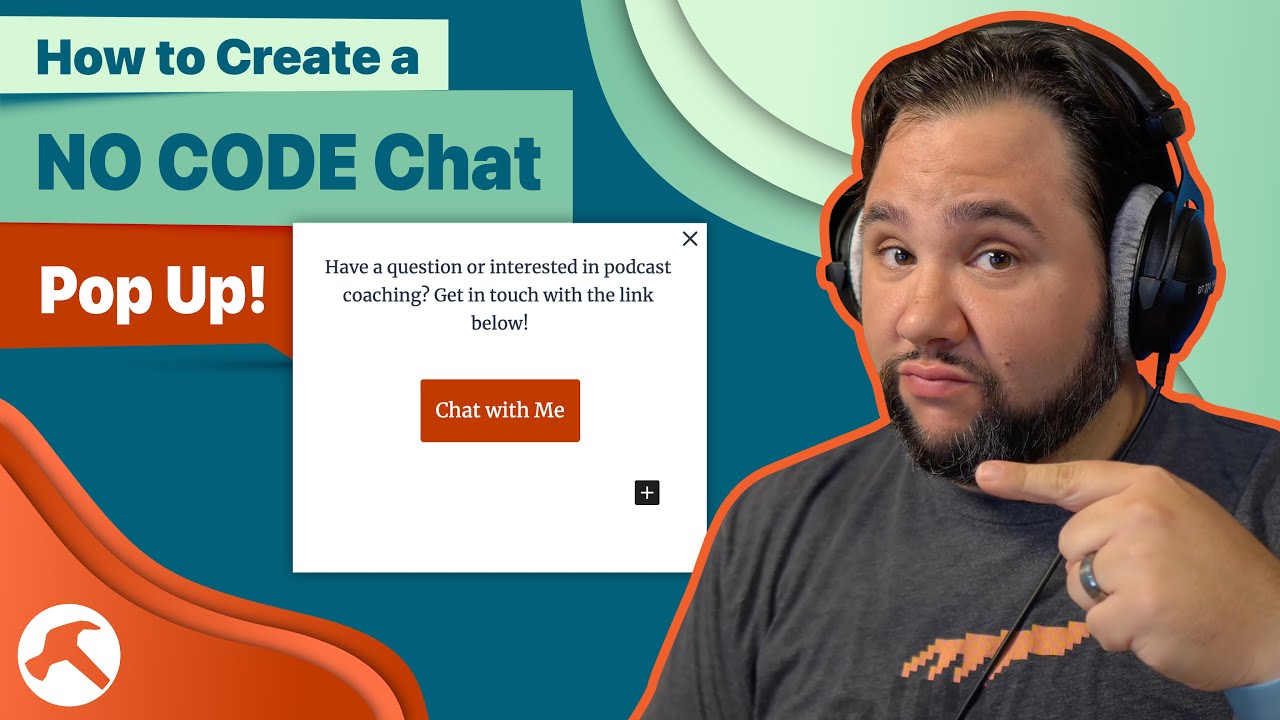
How to Create a NO CODE Chat Pop Up!


Chatbots seem to be increasingly popular on websites but can add unnecessary bloat – especially if they aren’t used that often. But what if you could easily add a no-code “chat” popup that displayed a form, or took people to a place where they could leave a video message? You’ll…

Source

Similar Posts

  • How to Get Rid of Those Annoying WordPress Admin Notifications

    The WordPress Dashboard is becoming increasingly littered with notifications. While they can be annoying to seasoned users and developers, they can be downright dangerous to clients who are not sure what they mean. Luckily there’s a new plugin that can help you get rid of them, and it’s totally free. It’s called Toolbelt. Get Toolbelt:…

  • Trying Out ElevenLabs’ AI Voice, and Other AI Tools

    Welp, it’s time for me to give it a try. ElevenLabs has a tool that can generate a completely fabriacated, yet accurate, version of your voice. I’m going to try it out and discuss what it means for podcasters.

    If there’s time, I’ll also show you CastMagic, a super-useful AI tool for summarizing and repurposing your podcast.

  • How Calendar Overlays Work in SavvyCal (Calendly Competitor)

    In the May 26th Build Something Live, I spent some time exploring the Calendly competitor, SavvyCal. I’ve been a big fan of Calendly for scheduling for a long time, especially for my podcast setup. But there are a few places I feel it can be improved. In this Build Something Live clip, we look at…

  • Rebuilding a WordPress Site Using ONLY Full SIte Editing!?

    Who is Full Site Editing really for? That all depends on what we can do with it. So today, I’m putting it to the test. I’m going to convert my long-standing personal website, Casabona.org from Kadence Pro and Kadence Blocks to stock WordPress, Twenty Twenty-Two, and Full Site Editing. I’m using NO extra plugins or patterns. Just whatever comes in a fresh WordPress install. Let’s see how it goes!

  • Understanding A.I.’s Role in Online Course Creation

    If you create online courses, you won’t want to miss this very special discussion! I’ll be joined by Ronnie Burt, Business Lead at Automattic, who’s overseen development of the Sensei LMS plugin. We’re going to cover:

    – Managing emails for your online courses
    – A.I.’s role in assisting with online course creation.
    – Sensei’s upcoming A.I. Quiz Generator
    – Marketing automation tools for course creators and membership sites

    …plus we’ll be fielding questions live!

    This live stream is presented by Sensei. Learn more here: https://howibuilt.it/sensei

  • Will My 2008 (Intel) MacBook Turn On?

    Recently I unearthed an artifact from my parents’ house: my first MacBook from all the way back in 2008. I moved to Mac when they moved to Intel so I could Dual Boot Windows, which I rarely did. And I haven’t looked back since! I picked up a charging brick but I haven’t tried to…