
BSL Clip: Using the Concepts iPad App for Public Speaking Talks

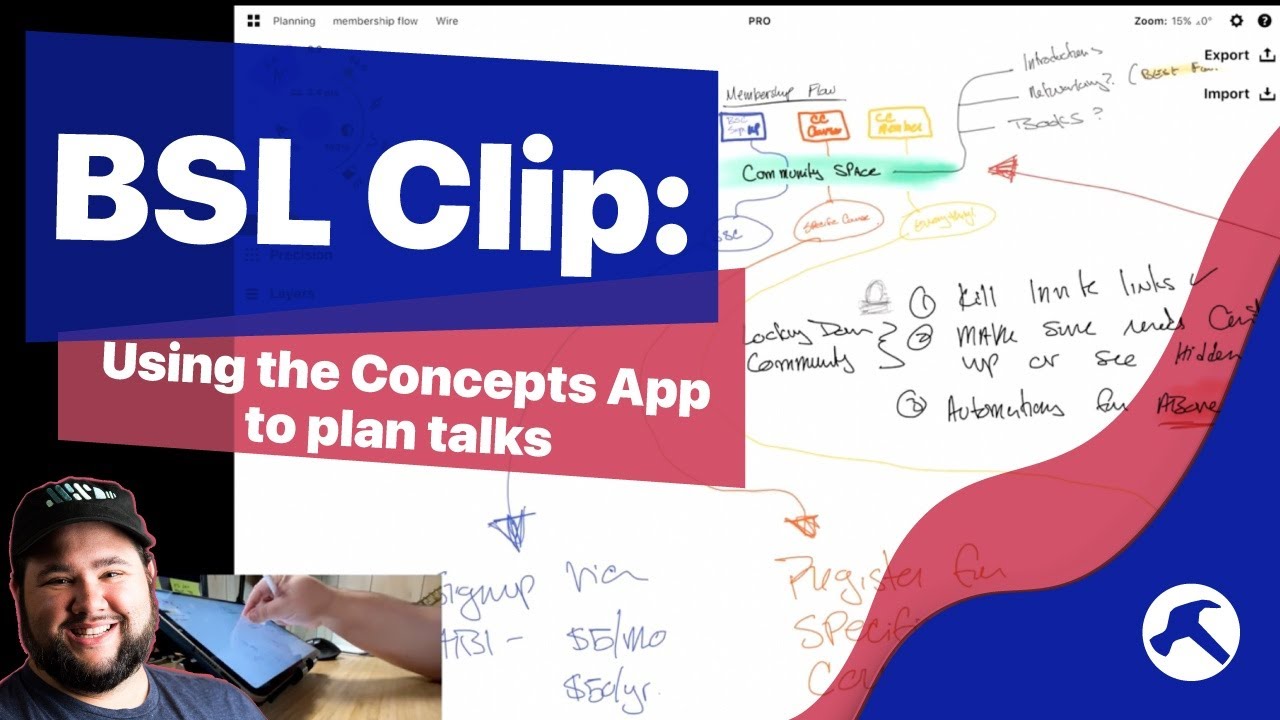
Welcome to another Clip from the Build Something Live Stream! I love public speaking, and in this one I’m planning out a talk and my slides using the infinite canvas app Concepts on my iPad.

Concepts App: https://concepts.app/en/
iPad Pro 11” 2021: https://amzn.to/3hPi7H2
Apple Pencil: https://amzn.to/3AOkUIX
Satechi Stand: https://amzn.to/3k1xvTm

Catch the streams live by subscribing.

OR get access to the archive by becoming a member: https://buildsomething.club

Source

Similar Posts

  • Stream Deck Tour and Revamp

    Last week on the podcast, I geeked out with Cat Mulvihill about our Stream Decks. on Today’s live stream, I’m going to give you a tour of both my XL and Stream Deck+, then review and update the buttons!

  • How Move To Works in the WordPress Block Editor / Gutenberg

    The WordPress Block Editor and Gutenberg are powerful tools to help us build better content, and faster. But there are also a lot of hidden features that may not be as intuitive…though just as helpful. One such feature is the “Move To” menu item for blocks. We’ll look at exactly how this works and when…

  • Create a Webinar Sign Up Form with Gravity Forms and ConvertKit!

    Want to create a simple, updatable form for your webinars or virtual events? With Gravity Forms, and dynamic hidden fields, you can! Plus, you can create reminder and special offer emails by sending that information right to ConvertKit. Here’s everything you need to do, step by step! * See a demo here: https://casabona.org/sign-up/ * GravityForms:…

  • Cut Your Podcast Outreach from Hours to Minutes!

    One of the most time consuming aspects of running a podcast is the guest outreach and scheduling. There’s research, the back and forth email, time zone calculations, and more. But what if I told you I’ve honed my process, and use automation, to cut it down from hours to minutes? Here’s my whole podcast guest…

  • How I’ve Configured my Stream Deck

    Perhaps the best device for live streaming and video production is the Stream Deck. You can do anything from switch scenes in eCamm Live or OBS, to control lights, to even run your own automation through IFTT, Keyboard Maestro, or Shortcuts. Here’s a tour of my Stream Deck – how… Source