
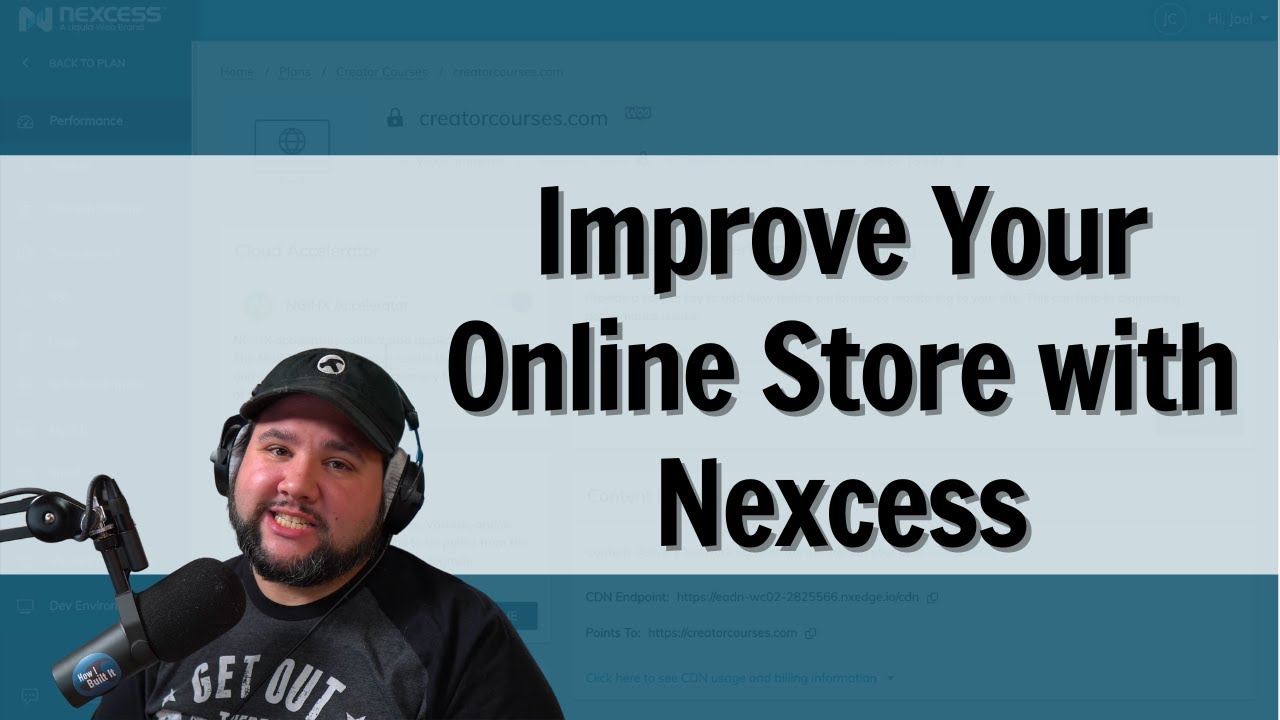
Make Your Online Store Succeed with Nexcess Managed WooCommerece Hosting


Your online store is the life’s blood of your business, so cheap hosting isn’t an option. HOWEVER, good, affordable hosting is. Nexcess has created an incredible hosting option for WooCommerce store owners at less than $20/month. I recently switched my store over to Nexcess and I’m SO happy. In this video we’ll:

1. Look at the plans (and all the bonus features you get for FREE)
2. Take a tour of my hosting dashboard and some of my favorite features
3. See the WordPress Dashboard
4. Learn what Visual Comparison is
5. Talk about my experience with the Nexcess Migration Team

If you need fast, reliable hosting build with you in mind, this is it.
Get Nexcess’ Managed WooCommerce Hosting: https://casabona.org/go/managed-woocommerce

Chapters:
00:00 – Intro
01:07 – Plans
03:32 – Nexcess Dashboard
05:27 – WordPress Dashboard
06:00 – Visual Comparison
08:15 – Migration
~~~~~~~~~~~~~~~~~~~~~~~~
~~~~~~~~~~~~~~~~~~~~~~~~
To learn more, start here: https://casabona.org/start

Join my mailing list: https://buildsomething.email

Check out my Live Stream Gear: https://kit.co/jcasabona/youtube-live-stream-setup

Check out my Podcasting Gear: https://kit.co/jcasabona/my-podcasting-setup
~~~~~~~~~~~~~~~~~~~~~~~~
~~~~~~~~~~~~~~~~~~~~~~~~

Source

Similar Posts

  • Rebuilding a WordPress Site Using ONLY Full SIte Editing!?

    Who is Full Site Editing really for? That all depends on what we can do with it. So today, I’m putting it to the test. I’m going to convert my long-standing personal website, Casabona.org from Kadence Pro and Kadence Blocks to stock WordPress, Twenty Twenty-Two, and Full Site Editing. I’m using NO extra plugins or patterns. Just whatever comes in a fresh WordPress install. Let’s see how it goes!

  • How to Submit to the WordPress Block Pattern Directory

    With the roll out of WordPress 5.8, We’ll have a brand new Block Patterns Directory, with submissions from WordPress contributors for all over the world sharing their Gutenberg-based creations. Right now, there’s an open call for submissions – which means you can contribute in a very visible way without knowing any code! Here’s the whole…

  • Create Professional Photo Galleries with WordPress and Modula

    If you’re looking to create professional, fast, and secure galleries with WordPress, look no further that Modula. This is an excellent plugin that allows you to add watermarks, create private galleries, and has extensive options for customizations. Let’s take a look! Get Modula: https://wp-modula.com [This is a sponsored video] Source

  • Testing Out Milanote for Research

    If you’ve been searching for a well designed app. That will help you do research or organize your thoughts, Milanote might be for you. I’ve been using it over the past week or so to help me keep track of various projects and ideas and I’ve been loving it! Here’s how I’m using it, and…

  • Improving my Guest Onboarding Automation with Airtable

    I’m building in public! While my podcast guest onboarding is a pretty well-oiled machine, I had a conversation last week that made me realize it can be even better. In this live stream I’m going to:

    1. Create a single form (instead of 2 for invited and suggested guests)
    2. Ask for headshot and bio up front
    3. Pre-populate Calendly
    4. Build a better show notes template

    We’ll see how much I can get to!